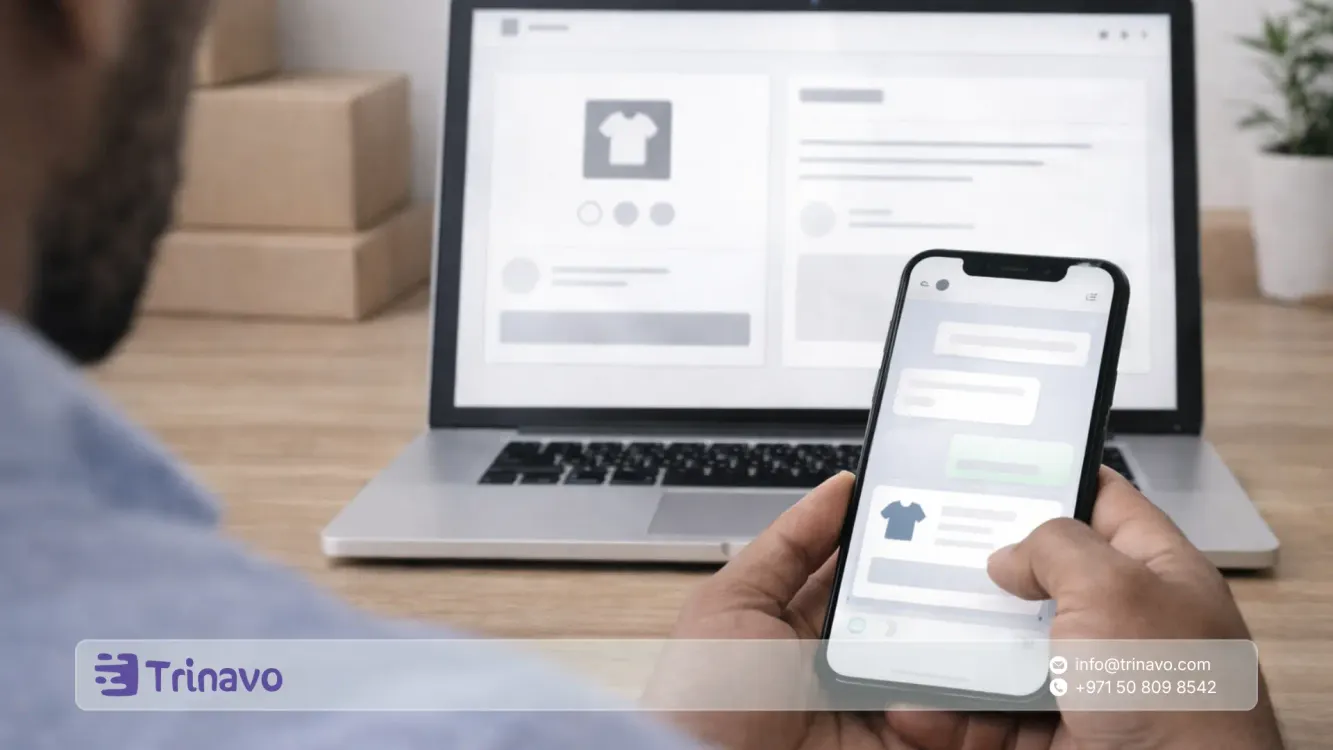
Selling on WhatsApp in Egypt can land quick orders, but it turns into a burden when there is no system and data gets lost between chats. This guide shows you how to move WhatsApp from random conversations to an organized order system through a clear sales page, accurate data collection, and an operating cycle that controls shipping and cash on delivery, with real sales measurement inside your Trinavo store to cut cancellations and boost conversion.
In a single moment, a WhatsApp message can turn into a confirmed order, because the customer wants a quick answer and a sense of trust before deciding. As digital usage expands in Egypt, where the number of internet users reached around 96.3 million people at the start of 2025, WhatsApp has become a natural channel to start a purchase, ask questions, and confirm details.
Globally, more than 3 billion people use WhatsApp, which explains why customers tend to finalize their decision inside the conversation rather than jumping between multiple platforms.
But what gives you speed at the beginning can become a bottleneck as orders grow: the same questions repeat, addresses get scattered across many chats, confirmation is delayed, and good orders are lost because the conversation never ends with a clear buying step.
The real shift is not about sending more messages, but about raising the share of messages that turn into a completed order you can operate, follow up on, and measure.
That is why this guide focuses on building a practical system that makes WhatsApp a fast closing channel, while managing products, orders, shipping, and collection inside one stable system, so sales scale without your workload doubling at the same pace.
What does selling on WhatsApp mean?
Selling on WhatsApp means using the conversation as a way to complete the buying decision, not as a replacement for the order system. You use WhatsApp for three core tasks:
- Speeding up trust and answering the objections that block the decision
- Guiding the customer toward a clear buying step instead of endless talk
- Confirming order details quickly before operating and shipping
The problem is that many merchants make WhatsApp do a job it was not designed for: storing orders, managing their statuses, and following up on shipping and collection. This is where waste begins, because WhatsApp is excellent for conversation but does not provide an order-operating mechanism at the level of a store or an admin panel.
How can you turn WhatsApp into a complete order system?
A complete order system means that every conversation always ends with one of three practical outcomes:
- A ready product link that shortens the explanation
- A cart link or checkout page that locks in the quantity and options
- A complete data form that creates an order inside one system
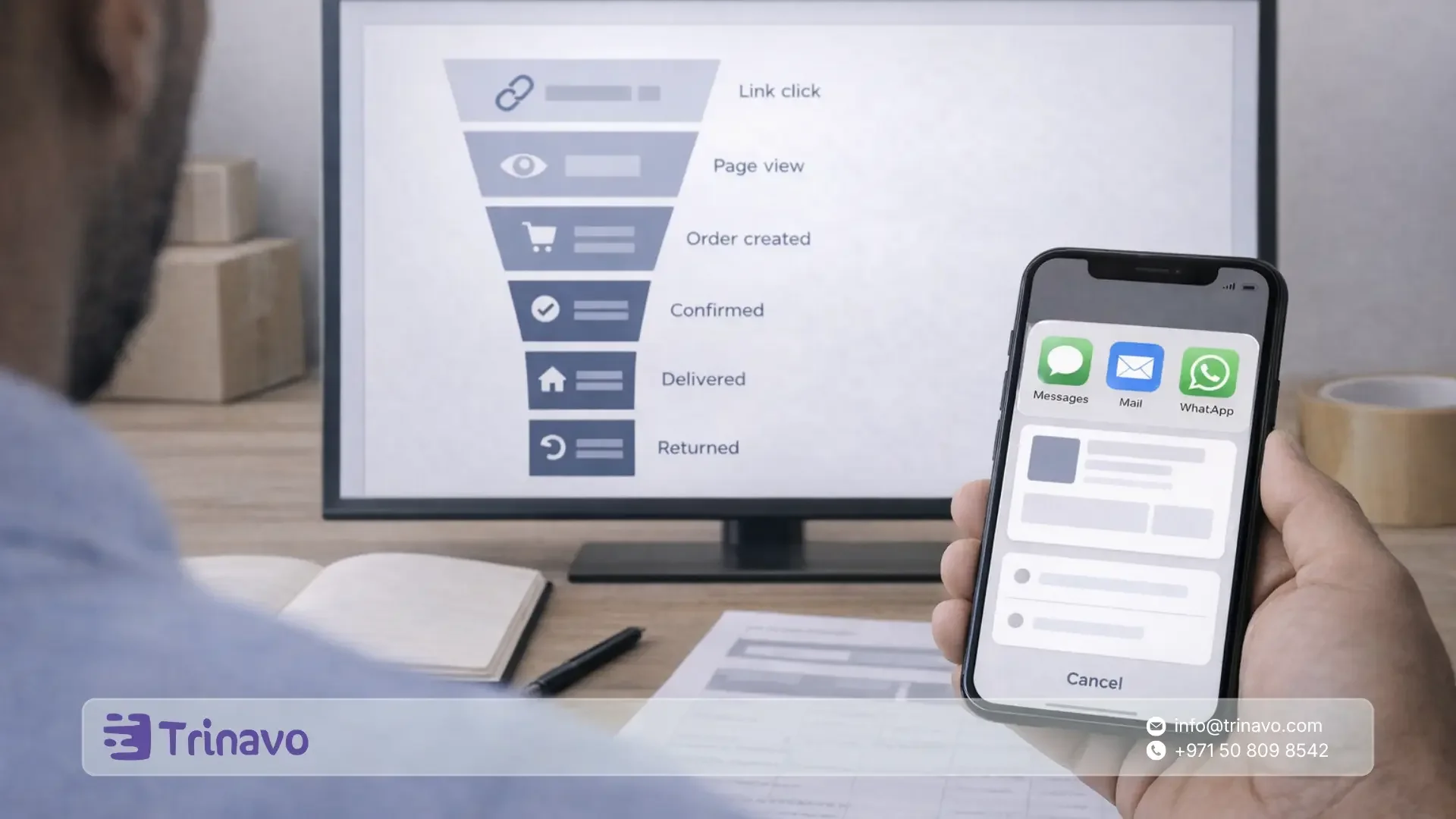
Then the order moves into disciplined operation within clear statuses: confirmed, preparing, shipped, delivered, returned, cancelled. This way details are not lost inside conversations, and the order's fate is no longer tied to the memory of whoever is replying to messages.
Why do WhatsApp sales collapse when messages increase?
When message volume grows, a recurring breakdown happens at four points, and each one alone is enough to destroy profitability:
- Losing the final total because shipping cost and timing are unclear
- The conversation continuing without a clear checkout step
- Incomplete order data leading to failed delivery and returns
- The absence of a stable operating status that leaves the order stuck between people or between days
If you fix these points early, you will notice that much of the advertising or marketing problem is not about reaching the customer, but about turning their interest into an order you can operate.
The WhatsApp Business tools you build the system on
If you are working on the WhatsApp Business app, you have core tools that help you move from random replies to an organized path:
- The catalog, labels to organize conversations, and automated message features.
- The WhatsApp Business features page shows these capabilities, such as labels to organize conversations and more.
- Quick replies specifically are the fastest practical step, because they let you build ready answers for frequently asked questions and send them in shorthand without rewriting every time.
- WhatsApp's documentation explains that they are shortcuts for repeated messages and can include media such as images and video.
- Away messages help you reduce customer drop-off when a reply is delayed, because they automatically send a message explaining that you are unavailable and ask for data you can use to prepare the confirmation later.
When should you move from the WhatsApp Business app to the WhatsApp Business Platform?
When you have a team, or you need consistent notifications such as order confirmation and shipping updates, or you want to automate the data-collection journey, you will need the WhatsApp Business Platform.
The product page explains that it is an enterprise-level messaging platform and presents use cases such as notifications, commerce, and reducing support costs.
Most importantly, the WhatsApp Platform has messaging rules you must understand so your campaigns do not stop and your follow-up does not break: you can reply with free-form messages within 24 hours of the customer's last message, and outside this window you can only send via approved message templates.
This is stated in the WhatsApp Business messaging policy. Meta's documentation explains that templates are the only type that can be sent outside the customer service window.
What will you put into practice in this guide?
You will build a WhatsApp sales system on four ordered pillars:
- An organized presentation that reduces questions before the conversation even starts
- A consistent conversation path that turns a message into an order within minutes
- Clear operation of order statuses that reduces cancellations and returns in cash on delivery
- Simple measurement that shows where the order leaks and why
If you apply these pillars, you will notice a direct result: the number of messages may not drop much, but the messages will become shorter and more focused, and the number of completed orders will increase because every conversation will end with an actionable step.
The right structure for WhatsApp selling
Before you build any operating steps, decide the structure you will work with, because the tools differ drastically depending on the stage.
The WhatsApp Business app is suitable when
- You manage orders yourself or with a small team.
- You need in-app tools such as quick replies, labels, the catalog, and welcome and away messages.
The WhatsApp Business Platform is suitable when
- You need automation, conversation routing, and notification messages such as order confirmation and shipping updates.
- You want to send messages outside the customer service window, via approved message templates.
A practical decision rule: if you are starting to lose orders because of too many conversations, or you need consistent follow-up messages after working hours, consider a gradual move to the WhatsApp Business Platform.
Settings inside the WhatsApp Business app that prevent chaos from the start
These settings are the highest return on your time, because they reduce questions and improve data quality from the very first conversation.
1- A business profile that cuts trust questions
Make the business profile complete: the name, a clear bio, working hours, address or service area, and the store link if available. This reduces messages like "who are you" and "where are you located".
2- An organized catalog instead of sending scattered photos
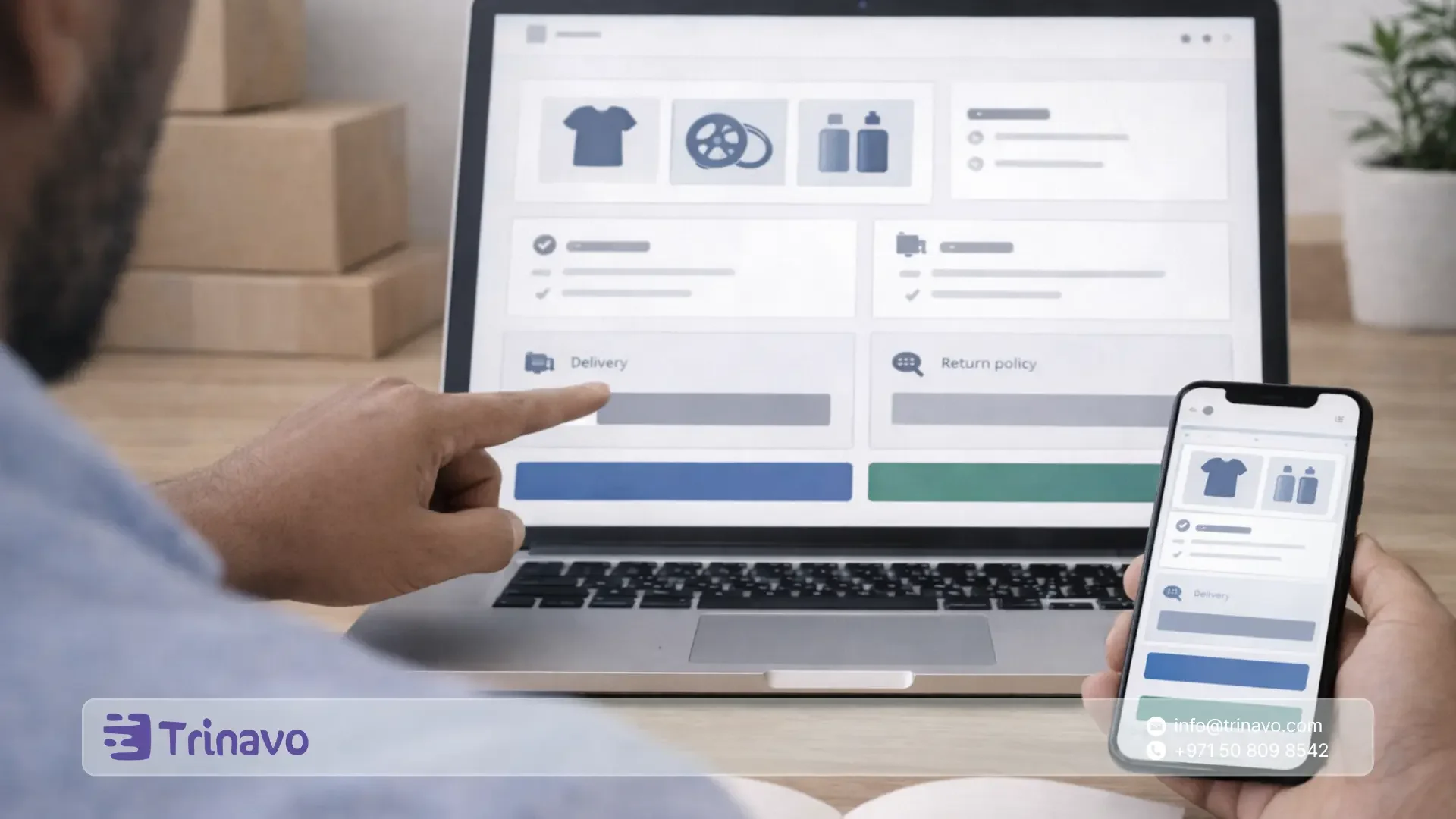
The catalog turns a product into an item that can be shared inside the chat, and reduces misunderstanding about the model or the price. Start with your most-requested products, then expand gradually.
3- Quick replies that save your time and prevent open-ended conversations
The quick replies feature in WhatsApp Business lets you create shortcuts for repeated messages, with the ability to include media such as images and video.
Make every quick reply end with one single step, for example:
- Sending the product or catalog link
- Asking for specific data to confirm
- Clarifying the expected total and the delivery range
4- Status labels for conversations instead of relying on memory
Labels help you organize conversations and filter them by status. I suggest a simple system of no more than 7 statuses:
- New
- Needs details
- Incomplete data
- Ready to confirm
- Confirmed
- Follow-up after shipping
- Cancelled or no reply
5- A welcome message and an away message to reduce drop-off
Welcome and away messages set the customer's expectations and prevent losing conversations because of a delayed reply. Make the welcome lead directly into the qualifying questions, and make the away message ask for the basic order data so you start out already holding enough information.
A conversation path that turns a message into an order within two minutes
The common problem is not a lack of messages, but that the conversation never reaches a clear ending. Adopt a consistent path every time.
The three qualifying questions
Ask in the same order to prevent branching:
- What exactly is the requested product
The product name or the product link from the catalog - Where will it be delivered
The governorate and the area - What is the payment method
Cash on delivery or another method if available
After that, ask for the confirmation data only once:
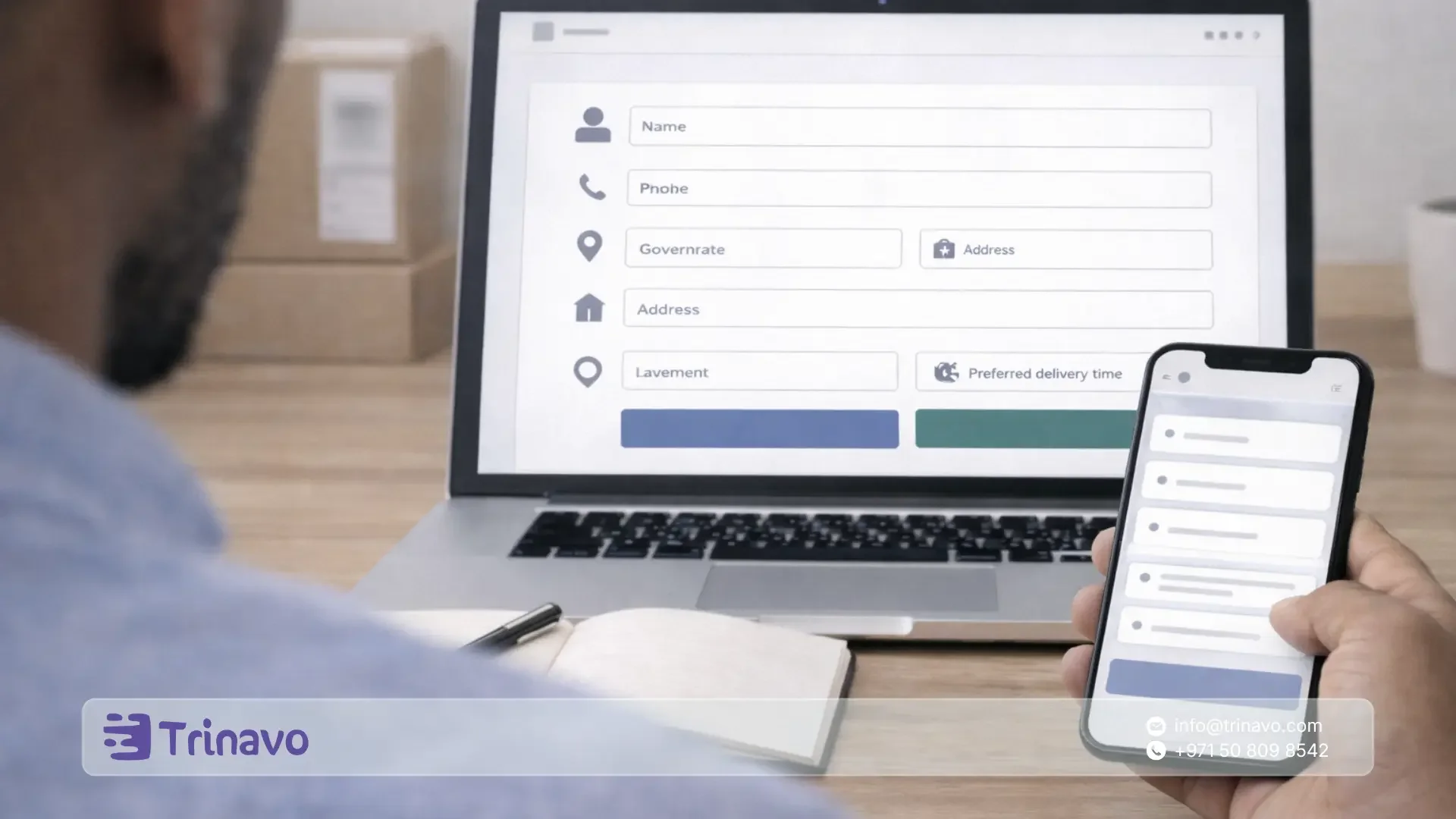
- Name
- Phone number
- The detailed address with a distinctive landmark
- A note on a suitable time to reach out for confirmation
The end-of-conversation rule
Any conversation must end with one of the following options:
- A product link ready to order
- A cart link or checkout step
- A complete data form to create the order inside the system
If the conversation ends without one of these three, you will most likely lose the customer even if they were interested.
How do you collect order data without errors?
The biggest cause of delivery failure is data that is incomplete or scattered across multiple messages. The solution is not to ask the customer more, but to ask them better.
Use one consistent template to complete the data, and redirect the customer to it every time:
- Product name and quantity
- Governorate and area
- The detailed address
- A clear, distinctive landmark
- Phone number
- Payment method
Then send a single summary before confirming: the product, the quantity, an approximate total, a delivery range, then ask for clear approval to proceed. This summary reduces late objections.
When you scale: organized follow-up messages under WhatsApp rules
With the WhatsApp Business Platform, there is an important operating rule: outside the 24-hour customer service window, you cannot send free-form messages, and you need approved message templates.
Use templates for three points only, because they have the greatest impact on reducing cancellations:
- Order confirmation with a summary of the data and the total
- Shipping status update
- Inability to reach the customer, with a request to choose an alternative time
How do you reduce errors through WhatsApp Flows?
If your team spends a lot of time collecting data, consider WhatsApp Flows, a way to build organized interaction inside the conversation through clear steps and fields.
Examples of useful flows for e-commerce:
- Selecting the governorate and area, then showing the shipping cost and delivery range
- Selecting the size or color, then locking in the quantity
- An organized address form that reduces shipping errors
Ads that lead to WhatsApp: how do you make the messages high quality?
Click-to-WhatsApp ads help you start conversations quickly, but order quality depends on the first minute inside the chat.
Practical best practices:
- Make the ad ask for one piece of information in the call to action, such as the governorate or the product type
- Make the welcome message start directly with the three qualifying questions
- Prepare quick replies for shipping, exchange, and how to order
- Set a standard for first-response time, then stick to it daily
Measure WhatsApp selling with a few numbers that reveal the problem fast
Do not measure by the number of messages. Measure by what shows where sales break down.
Monitor weekly:
- First-response time
- The share of conversations that reached complete data
- The share of conversations that turned into a confirmed order
- The share of cash-on-delivery orders that were not confirmed
- The most frequent cancellation reasons as they appear in the conversations
- The most repeated question, because it is a direct indicator of a gap in the product presentation or the quick replies
A 7-day implementation plan for selling on WhatsApp in Egypt
- Day one: Complete the business profile and activate a welcome message and an away message
- Day two: Build a catalog of your best products, then group them into clear collections
- Day three: Create 10 quick replies covering shipping, exchange, how to order, and frequently asked questions
- Day four: Apply status labels to every conversation without exception
- Day five: Adopt a consistent conversation path with the three qualifying questions and try it on the day's conversations
- Day six: Write an order-summary template before confirmation, then commit to sending it to every customer before shipping
- Day seven: Review the six metrics, then update the quick replies and catalog based on the questions and cancellation reasons
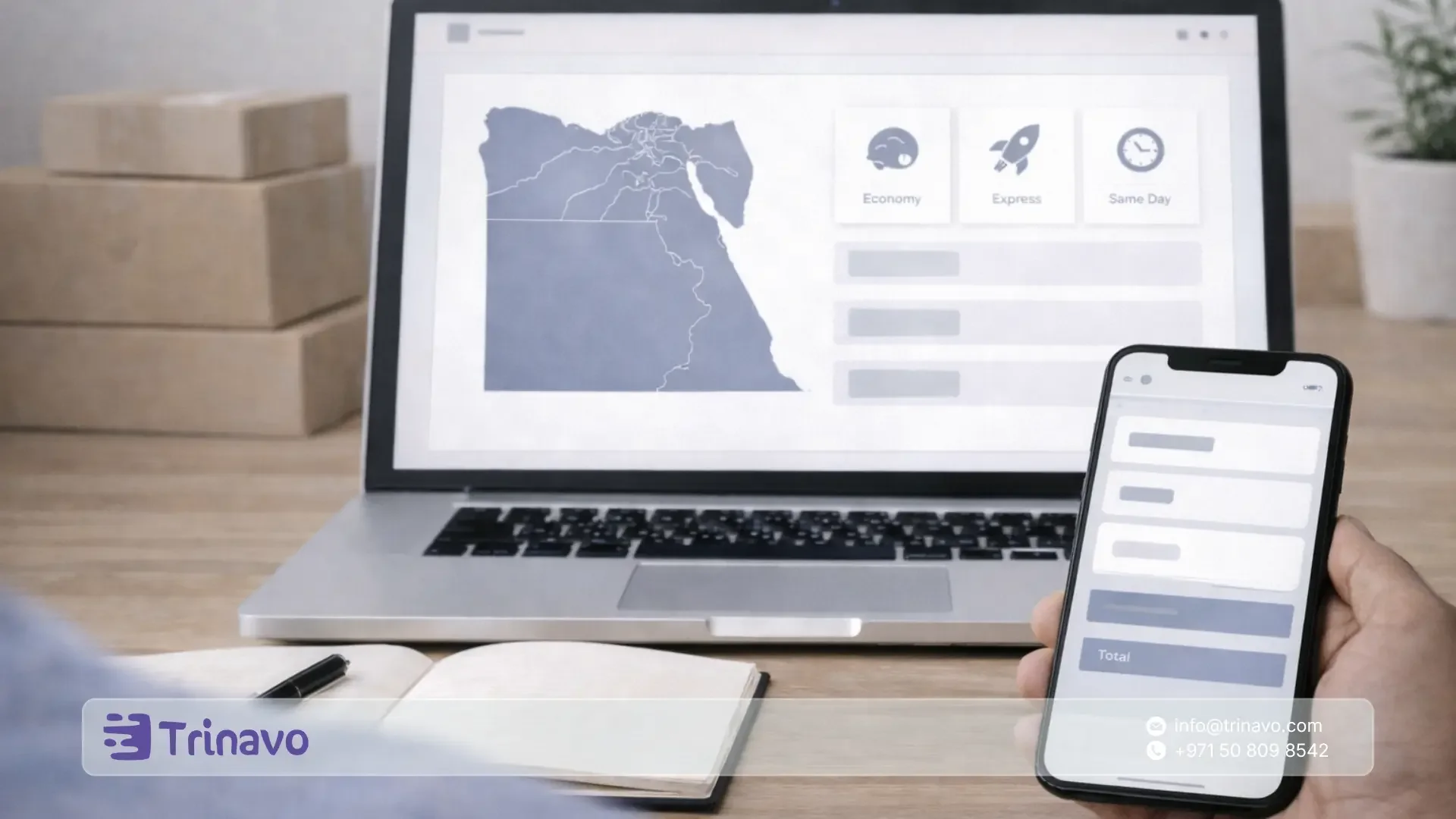
How does Trinavo help you turn WhatsApp into a complete order system?
Before you ask WhatsApp to run the selling on its own, set a simple rule: WhatsApp for communication and fast closing, and the store to lock in everything that can be operated and measured. At Trinavo we built the WhatsApp button integration to work exactly with this philosophy: we bring the customer closer to you at the moment of hesitation, prevent the loss of context inside conversations, and connect the inquiry to the right product from within the store.
In the next two paragraphs we explain how we help two common cases in the Egyptian market: a merchant who already sells via WhatsApp and wants to organize orders without losing closing speed, and a merchant setting up their store from scratch who wants WhatsApp as a support and closing channel built into the buying experience.
If you sell via WhatsApp today: we turn the conversation into a clear order inside an organized store
If your sales rely on WhatsApp, you know the problem well: the customer asks and you have to request the product name or send the link again, then re-explain the price, shipping, and policy in every conversation.
At Trinavo we build you a stable point that gathers everything inside the store, then make WhatsApp a fast closing step instead of being the place where orders are managed.
When you activate the floating WhatsApp button in your Trinavo store, we give the customer a one-click way to reach you from any page, and this reduces hesitation and raises trust because they see that you are available to reply.
Most importantly, we add smart product detection: when the customer presses the WhatsApp button from a product page, we automatically prepare the message with the product name and link, so the conversation begins with the full context, without preliminary questions that consume your time and lose you orders ready to buy. This way errors drop, confirmation speeds up, and your conversations become shorter and more productive.
If you are planning to create a store: we embed WhatsApp inside the store to become instant support and a closing channel
If you are building your store now, we help you start from day one with a buying experience that does not leave the customer alone. We embed the floating WhatsApp button inside the store pages so the customer can ask while still on the product page, instead of leaving and getting distracted. This kind of instant support reduces hesitation and increases the likelihood of completing the order.
At Trinavo we give you full control over the button's look and position: you can choose to show it at the bottom right or bottom left, set the size and margins, with support for right-to-left writing direction.
We also let you write a welcome message that appears automatically to guide the customer on what data to send. The integration works smoothly on phone and computer: on the phone it opens the WhatsApp app directly, and on the computer it opens WhatsApp Web, so the customer experience stays consistent no matter which device they use.
You enable all of this within minutes from the control panel by entering the WhatsApp number with the country code and then saving the setting.
Start now on Trinavo and turn WhatsApp selling into a clear order system: product links ready to send, unified order data, and follow-up statuses that prevent lost orders and reduce cancellations.
Frequently asked questions about selling on WhatsApp in Egypt
1- Can I rely on WhatsApp alone without an online store?
You can start with WhatsApp alone in the early stages, but you will hit a clear ceiling as messages and orders grow. The reason is that WhatsApp is excellent for communication and closing the sale, but it is not a system for locking in orders, managing their statuses, and following up on shipping and collection.
Having a store puts the products, details, and order in one place, and leaves WhatsApp for the inquiry and confirmation stage only.
2- What is the difference between WhatsApp Business and WhatsApp Business via the Platform?
WhatsApp Business is the right app for simple management through quick replies, labels, the catalog, and welcome and away messages. WhatsApp Business via the Platform is the option for scaling, when you need automation, organized follow-up messages, routing conversations to a team, and sending notifications such as order confirmation and shipping updates according to the approved template rules.
3- What is the best way to reduce repeated questions inside conversations?
The best solution is to move the repeated information to a clear sales page or a complete product page, then make the quick replies always lead to it. When the customer clearly sees the price, specifications, the shipping rule, and the exchange policy, inquiry messages drop and the dialogue turns into order confirmation instead of long explanation.
4- How do I make every conversation end with a clear order instead of endless talk?
Adopt the end-of-conversation rule. Do not leave any conversation without one practical outcome: a product link, a cart link, or a complete data form to create the order. This prevents leakage and makes your team work according to a consistent path rather than individual improvisation.
Selling on WhatsApp in Egypt will not stop, because it is the closest to the customer and the fastest at breaking hesitation. But profitability and continuity do not come from sending more messages, but from turning messages into completed orders that can be operated and measured.
When you make WhatsApp a channel for communication and closing, and make the store the place where the product, the data, the order status, shipping, and collection are locked in, you will notice that the work becomes lighter, decisions become clearer, and the delivery rate improves, especially in cash on delivery.
If you sell via WhatsApp today or plan to launch your store soon, start from one decisive point: give the customer a path that always ends with a clear order, then activate the WhatsApp integration inside your Trinavo store so communication stays fast without chaos returning to order management.


