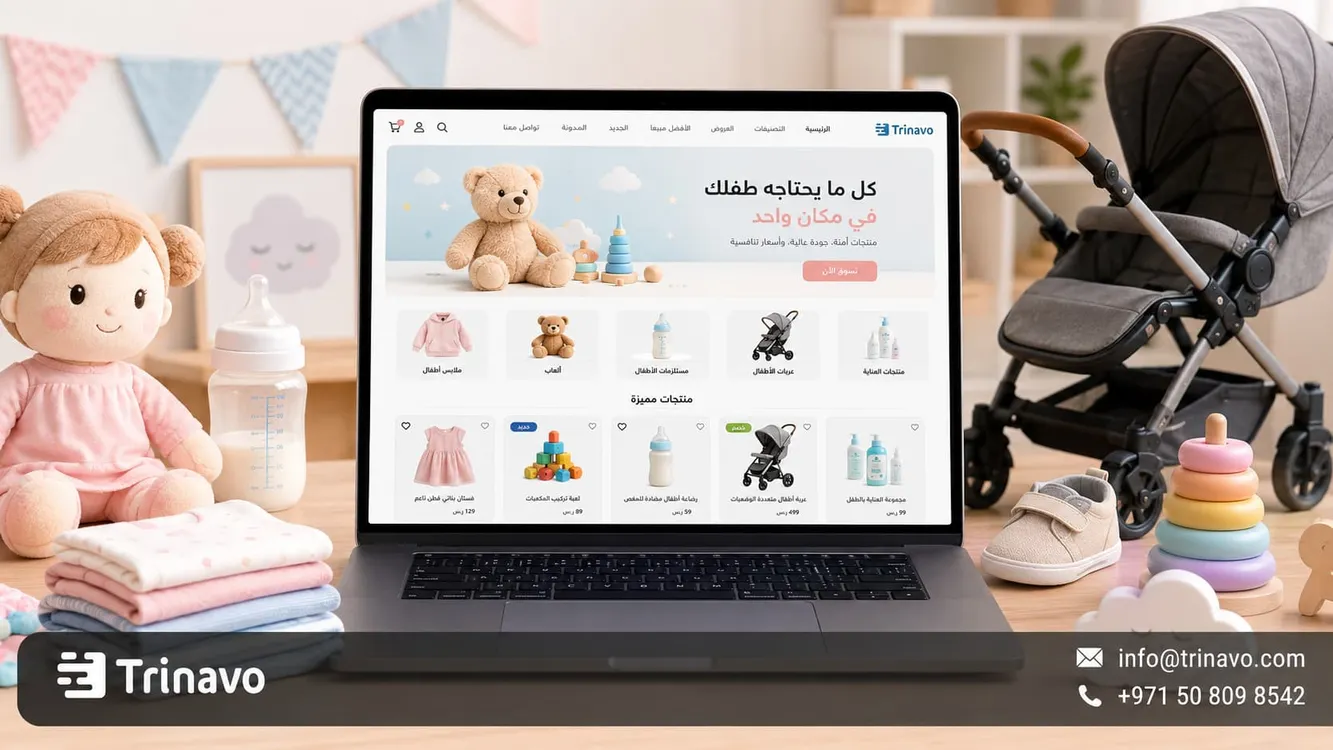
Easily build an online store for baby products with Trinavo. Design a professional baby store with an attractive interface, inventory management, and marketing tools to boost your sales.
Selling baby products online does not rely on the beauty of the product alone, but on giving parents a sense of reassurance. A mother or father does not deal with a toy, a piece of clothing, or a care item like any ordinary product; instead they look first at the suitable age, the material, how it is used, the reviews, and how fast the order arrives
For this reason, creating an online store for babies requires a clear and comfortable experience. The customer should quickly find the product that suits the child's age, understand its details without long questions, and feel that the store is organized enough to trust buying from it.
In this guide from Trinavo, you will learn how to build a store specialized in baby products, and how Trinavo helps you organize toys, clothing, feeding supplies, care items, and gifts within a clear, easy-to-browse store.
Parents' Trust When Buying Baby Products Online
When parents buy a product for their child, they don't look at the price or appearance only. The decision starts from a simpler question: is this product suitable, safe, and practical for my child's age?
That is why a baby products store needs to present information more precisely than general stores. A mother or father wants to know the suitable age, the material, how it is used, the size of the product, and other customers' experiences before completing the order.
Instead of showing the products as a long list, the store should help the customer reach the right choice quickly: a toy for a specific age, clothing suitable for a certain stage, daily care supplies, or a ready gift for a newborn.
|
What parents look for |
How does the store help them? |
|
A product that suits the child's age |
Clear classification by age group |
|
Information that reassures them before buying |
A description that clarifies the material and how to use it |
|
A lower-risk shopping experience |
Ratings and reviews from previous customers |
|
Fast access to the right product |
Sections organized by age or use |
|
Knowing the product's shape and size |
Clear photos from more than one angle |
|
An easy order without many questions |
Payment and shipping information visible inside the store |
In this way, a baby store is not just a front for displaying products, but a space that helps parents choose with confidence, especially when the products are tied to the child's comfort, safety, and daily use.
What Is an Online Store for Baby Products?
An online store for baby products is a digital platform that lets you display and sell products aimed at infants and children online, such as toys, clothing, care supplies, feeding tools, gifts, sleep supplies, and outing and travel products.
But the store's success does not rely only on gathering these products in one place, but on the way they are arranged. The customer may not search by the product name directly, but often starts from the child's age or from the need they want to solve, such as buying a gift for a newborn, an educational toy, or clothing suitable for a specific age stage.
Therefore, the design of an online baby store should be built around the way parents search, not on a long, random ordering of products.
Why Do Parents Turn to Buying Baby Products Online?
Shopping for baby products online has become a practical choice for many mothers and fathers, because time is often limited, needs are recurring, and searching for the right product can be exhausting inside traditional shops.
In an online store, parents can browse products from their phone, compare options, read the description and reviews, then complete the order without visiting more than one shop. This matters for daily products such as care supplies and feeding tools, as well as for seasonal products such as children's clothing and gifts.
An online store also gives the business owner a wider space to display products than a traditional shop. They can, for example, dedicate sections for newborns, educational toys, gifts, care products, or travel and outing supplies, without being limited by shelf space inside the shop
How Should Baby Products Be Organized Inside the Store?
Organizing a baby store is more important than having a large number of products. Even if you have a large number of toys, clothes, and supplies, the customer will not buy easily if they don't know where to start or how to reach what suits the child's age.
It is best for the store to combine more than one way of browsing: by age, by product type, by use, and by occasion. This way, the customer can reach the product through more than one path, whether they are looking for a gift, a daily item, or a toy suitable for a specific age.
|
Classification method |
Suitable examples |
|
By age |
Newborns, 0-6 months, 6-12 months, one to three years |
|
By product type |
Toys, clothing, care, feeding, sleep, gifts |
|
By use |
Bedtime, mealtime, going out, play, bath time |
|
By occasion |
Newborn gifts, birthday, back to school |
|
By most requested |
Best sellers, new arrivals, limited offers |
This organization makes the store closer to the way parents think. A mother looking for a gift for a newborn does not want to go through all the products, but needs a clear section that leads her directly to the suitable options.
Elements That Make an Online Baby Store Design More Convincing
The design of an online baby store should not focus on colors and graphics only, but on the way it presents the information parents need before making a decision. Good design is what makes the product clear at first glance: who is it suitable for? What is its size? Does it look practical? And are there enough details to feel reassured before ordering?
Calm Colors and Clear Organization
A baby store needs a pleasant, comfortable character, but too many colors and elements can make browsing confusing. It is best for the design to be simple, with clear spaces between products, prominent images, and visible buy buttons without visual clutter.
This way, the customer does not feel that the store is crowded, but can move between products and categories easily, especially when browsing from the phone.
A Product Card That Helps Quick Understanding
Before the customer enters the product page, the product card should give them a clear initial idea. The product name, the price, the image, the age group if available, and the availability status are all elements that help them know whether the product is worth clicking or not.
This matters in baby stores because the customer may compare more than one toy, piece of clothing, or care item within a short time. The clearer the product card, the faster and more useful browsing becomes.
Images That Show Size and Use
In baby products, the image does not show the shape only, but helps parents understand the product's size and how it is used. A toy may look suitable in the photo, but the customer needs to picture its real size, whether it suits the child's age, and whether it can be used daily or for a specific occasion.
Therefore, it is best to show images that clarify the product from more than one angle, with a close-up image of the details or an image that helps understand the size, especially for toys, gifts, and care supplies.
Trust Elements That Should Appear on the Product Page
Some details should not be hidden or far from the customer's view, such as reviews, shipping information, the suitable age, or any important note about use. Showing these elements in clear places makes the customer feel that the store is organized and transparent.
This way, the design becomes part of building trust, not just a pretty look for the store.
Creating a Baby Products Store on Trinavo
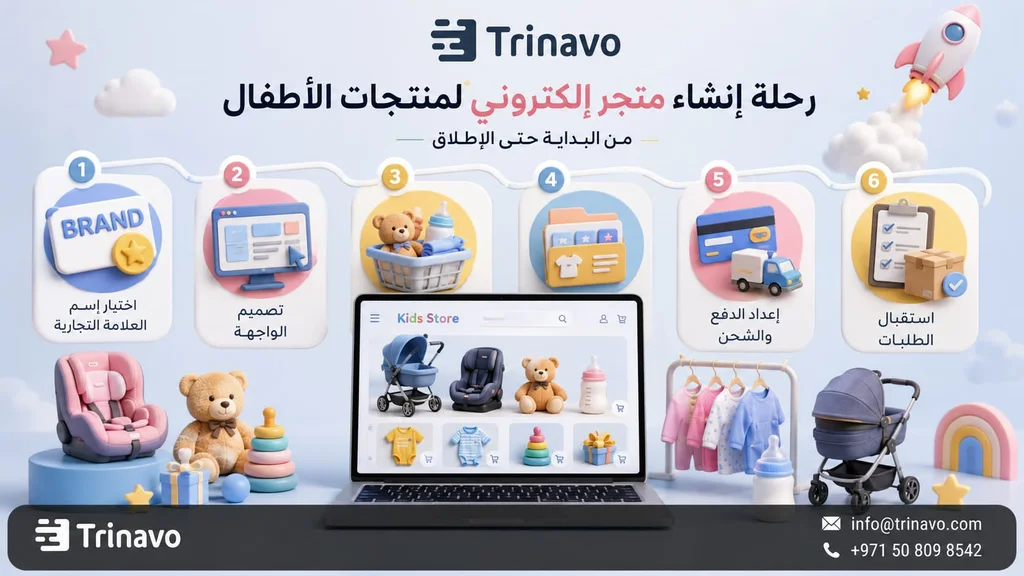
After deciding the type of products you want to sell, you can start creating the store on Trinavo in a simple and organized way. The important thing here is not to treat the store as just a page for uploading products, but as a front that helps parents reach the right product quickly and understand its details before buying.
1 . Create the account and open the store
Start by creating your account on Trinavo and entering the basic store details, such as the store name, contact information, and the language or market you want to target.
At this stage, you can start with a free store to test the idea before expanding. This is suitable for baby product stores, because you may start with a single category such as educational toys, children's clothing, or newborn supplies, then add other categories later based on demand.
Check the Trinavo pricing page
2 . Customize the homepage and store sections
After opening the store, start preparing the homepage in a way that helps parents quickly reach the important products. Don't make the page just a general display of products, but a clear entry point to the main sections such as newborn products, educational toys, care supplies, clothing, and gifts.
Through Trinavo, you can customize the store's interface to match your brand identity, while arranging sections and products in a way that makes browsing easier from the phone. This way, the design becomes part of organizing the shopping experience, not just colors and images
3 . Create the main categories
Before uploading a large number of products, prepare the categories the customer will rely on for browsing. In a baby products store, it is best to combine classification by age with classification by product type.
You can, for example, create sections for newborns, children's toys, children's clothing, care supplies, feeding supplies, and gifts. Over time, you can add more precise sections based on the most requested products.
Trinavo helps you create multiple categories and organize products within them, so the store does not appear as a long list, but as a tidy store that is easy to navigate.
4 . Add the products and their important information
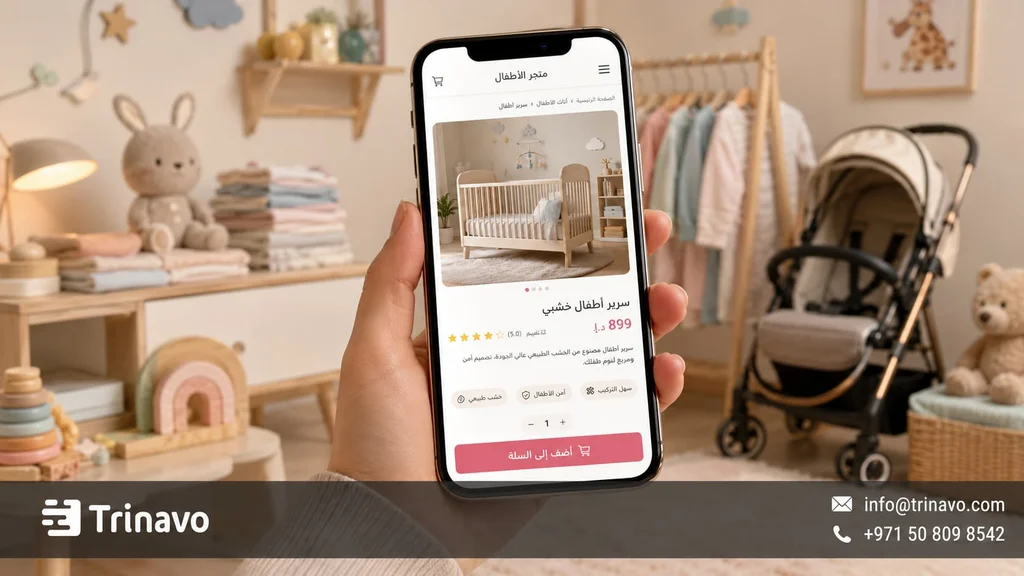
When adding each product, don't settle for the name, image, and price only. Baby products need clear information that helps parents make the decision, such as the suitable age, the material or fabric, how to use it, the size, and the availability status.
A good product page should answer the basic question: is this product suitable for my child or not? So make the description practical, add images that clarify the product's shape and size, and use reviews once orders start coming in.
Through the Trinavo dashboard, you can manage products, inventory, categories, and prices from one place, which makes organizing the store easier as the number of products grows.
5 . Enable payment and shipping
After preparing the products, move on to setting up payment and shipping options. In baby products, the order's arrival time can be very important, especially if the product is a gift or an item that parents need quickly.
Clarify the available payment methods, delivery time, shipping areas, and shipping cost inside the store. Trinavo also helps you connect the store to multiple payment gateways and track orders from one dashboard, instead of managing each order through separate chats.
Learn more about payment gateways in Trinavo
6 . Create offers and bundles
After running the store, you can create offers tied to the nature of baby products, such as a gift bundle for a newborn, an offer on educational toys, or a discount on daily care products.
It is best for offers to be tied to a clear need, not just a general discount. Through coupons and discounts in Trinavo, you can prepare these offers without editing product prices one by one.
7 . Monitor performance and improve the store
After launching the store, watch the products that get more orders, the categories customers visit consistently, and the products that need clearer images or descriptions.
You may notice, for example, that gifts achieve higher orders, or that educational toys get many visits, or that care products are bought repeatedly. Analytics and inventory management in Trinavo help you understand these indicators, then develop the store based on actual orders rather than guesswork.
Common Mistakes When Designing an Online Baby Store
There are mistakes that can make the customer hesitate, even if the products are good. Most of these mistakes are often related to a lack of information or weak organization, such as not mentioning the age group, using insufficient images, writing a generic description, or hiding shipping information until the last stage of the order.
|
The mistake |
Its effect on the store |
The solution |
|
Not mentioning the age group |
Makes the customer hesitate to buy |
Add the suitable age for each product |
|
Insufficient images |
Do not clarify the size or use |
Show the product from more than one angle |
|
Generic description |
Does not answer parents' questions |
Mention the materials, use, and notes |
|
Random categories |
Make it hard to reach the right product |
Classify by age, type, and need |
|
Absence of reviews |
Reduces trust in the product |
Encourage customers to write reviews |
|
Unclear shipping |
Causes hesitation when ordering |
Clarify the time, cost, and shipping areas |
|
Ignoring repeat-purchase products |
Weakens repeat-purchase opportunities |
Watch the products parents order most |
|
A design crowded with colors |
Confuses browsing |
Use comfortable colors and clear organization |
Such mistakes quickly lose the customer's trust. And always remember that when buying for children, reassurance comes first, and trust becomes far more important than price.
Why Do Baby Store Owners Choose Trinavo?
Managing a baby products store means dealing with age groups, different product types, changing inventory, and high expectations from parents around clarity and speed. Therefore, the store owner needs a platform that helps them organize these details without complexity.
|
The baby store's need |
What Trinavo provides |
|
A low-risk start |
A free plan without a credit card |
|
A large number of products |
Unlimited products, orders, and categories |
|
Classifications by age |
Flexible category management to organize products |
|
Tracking product availability |
Inventory and quantity management |
|
Accurate product descriptions |
A smart assistant to write or improve descriptions |
|
Building parents' trust |
Customer reviews and ratings |
|
Offers for occasions |
Customizable coupons and discounts |
|
Clearer payment and shipping |
Payment gateways and order management |
|
Better visibility in search |
SEO tools |
|
Understanding the most requested products |
Analytics and reports |
|
Faster communication |
Integrations such as WhatsApp |
|
Expanding to different markets |
Language support and currencies |
Whether you run a toy shop, a children's clothing store, or a project specialized in infant supplies, Trinavo helps you build a clear and scalable store, with tools that help you manage products, orders, and marketing from one place
Start with a Free Baby Store and Test the Most-Requested Category with Trinavo
At the beginning, you don't need to display all types of baby products. The best start is often from a specific category: educational toys, newborn supplies, children's clothing, or newborn gifts.
The idea is not to fill the store with every product, but to know what parents actually look for: do they request more educational toys? Are they looking for ready gifts? Are newborn products the most active? Or do everyday clothes generate recurring orders?
With Trinavo, you can open a free baby products store and start with just one or two categories, then watch the orders, questions, and reviews to learn which direction is worth expanding.
This way, creating an online store for babies becomes a smart testing step. You start with what is clear and specific, then build your next decisions based on actual data: the most requested categories, the products that need a clearer description, and the offers that encourage parents to come back to buy.
Frequently Asked Questions About Creating an Online Store for Babies
What are the best-selling baby products online?
The best-selling products differ by market and season, but they often include children's clothing, educational toys, newborn supplies, care products, feeding tools, and newborn gifts.
Should I verify the safety standards of baby products in the store?
Yes, it is important to make sure the products are suitable for the stated age group, and that usage information and warnings, if any, are clear on the product page. You should also avoid presenting any inaccurate claims about safety or benefits without reliable information from the manufacturer or supplier.
How do I target mothers with ads for an online baby store?
Start by segmenting the audience by need, such as mothers of newborns, parents of one-year-olds, those looking for newborn gifts, or those interested in educational toys. Then link the ad to a clear category page inside the store instead of sending the customer to the homepage only.
How much does it cost to create an online baby store on Trinavo?
You can start with a free plan on Trinavo to try the store and add the basic products, then upgrade later if you need additional features such as a custom domain, electronic payment, advanced analytics, or larger marketing tools.
How do I arrange baby products inside the store?
It is best to combine classification by age with classification by product type. For example: newborns, 0-6 months, educational toys, children's clothing, care supplies, and newborn gifts. This makes browsing easier for parents and reduces random searching inside the store.
Can I create a toys and children's clothing store in one store?
Yes, you can create a toys and children's clothing store within Trinavo, provided that the categories are organized clearly so the products don't get mixed up for the customer. Have separate sections for toys, clothing, care, and gifts, with classifications by age if possible.


