Vendor Account Requests
Watch the video
Vendor Subscription
Manage requests from users who want to become vendors in your marketplace. Review applications and approve or reject them.
Overview
This section allows you to:
- Review vendor applications from interested users
- Approve qualified vendors to start selling
- Reject applications that don't meet criteria
- Track vendor request history
- Manage vendor onboarding
Accessing Vendor Account Requests
Click Modules → User Management → Vendor Account Requests

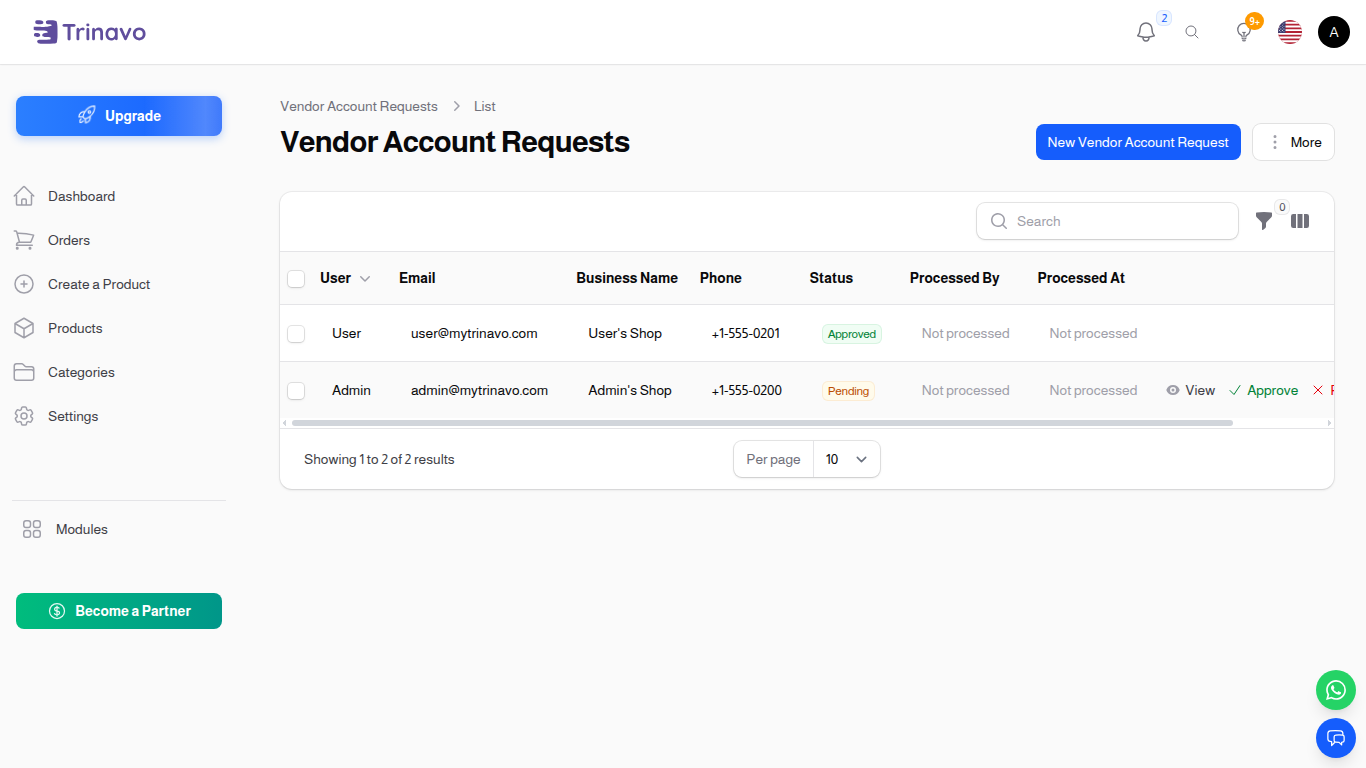
Understanding Requests
Request Components
- Applicant: User requesting vendor status
- Status: Pending, Approved, or Rejected
- Request Date: When application was submitted
- Business Details: Vendor information provided
- Communication: Notes and follow-ups
Managing Requests
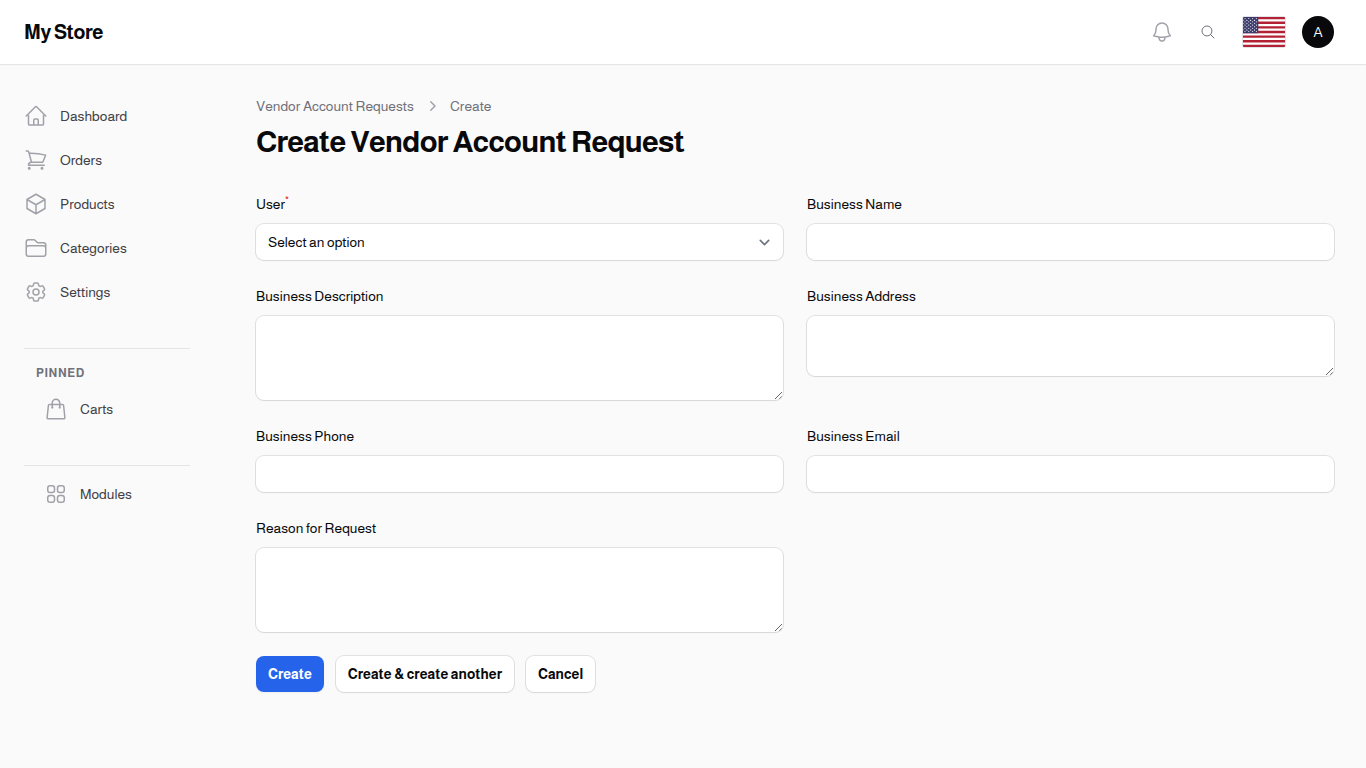
Viewing Requests
The list shows:
- Applicant name
- Request status
- Application date
- Action buttons
Approving a Request
- Click Approve button for the request
- Add approval notes if needed
- Confirm action
- Applicant becomes a vendor
Rejecting a Request
- Click Reject button
- Enter rejection reason
- Confirm action
- Applicant is notified
Filtering Requests
- Filter by status (Pending, Approved, Rejected)
- Search by applicant name
- Sort by date
Best Practices
- Verify information: Check applicant legitimacy
- Set clear criteria: Define vendor requirements
- Document decisions: Keep notes on all approvals/rejections
- Respond promptly: Review within 24-48 hours
- Communicate clearly: Explain rejections helpfully
- Track trends: Monitor application quality
Common Workflows
Approve New Vendor
- Review the application
- Verify business legitimacy
- Check any provided documents
- Click Approve
- Send welcome message to vendor
Reject Low-Quality Application
- Click Reject
- Explain why (business info incomplete, high risk, etc.)
- Offer path to reapply if appropriate
- Confirm
Troubleshooting
Q: Can approved vendors sell immediately? A: Yes, they can start listing products after approval.
Q: Can I reject an approved vendor? A: Yes, you can change status or suspend their account.
Q: Where do vendors access their dashboard? A: They use the same admin panel with vendor-limited role.
Q: What criteria should I use? A: Set your own standards (business verification, seller history, etc).
Related Configuration
Configure merchant registration in System Settings:
- Enable Merchant Registration - Allow users to become vendors through mobile app
- Require Contact Information Before Adding Products - Force vendors to complete contact details before listing products