Goods Receipts
Purpose
A goods receipt records stock arriving from a supplier, and what it cost you. It does two jobs at once: it puts the quantity on your shelf, and it tells the store what that quantity was worth, which is where the Cost figure on the Financial report comes from.
Without receipts your stock has to be corrected by hand, and your profit is calculated against a cost the store had to guess.
This is a paid feature. Without it on your plan the list stays readable but nothing new can be created.
Accessing Goods Receipts
Click Modules → Purchasing → Goods Receipts
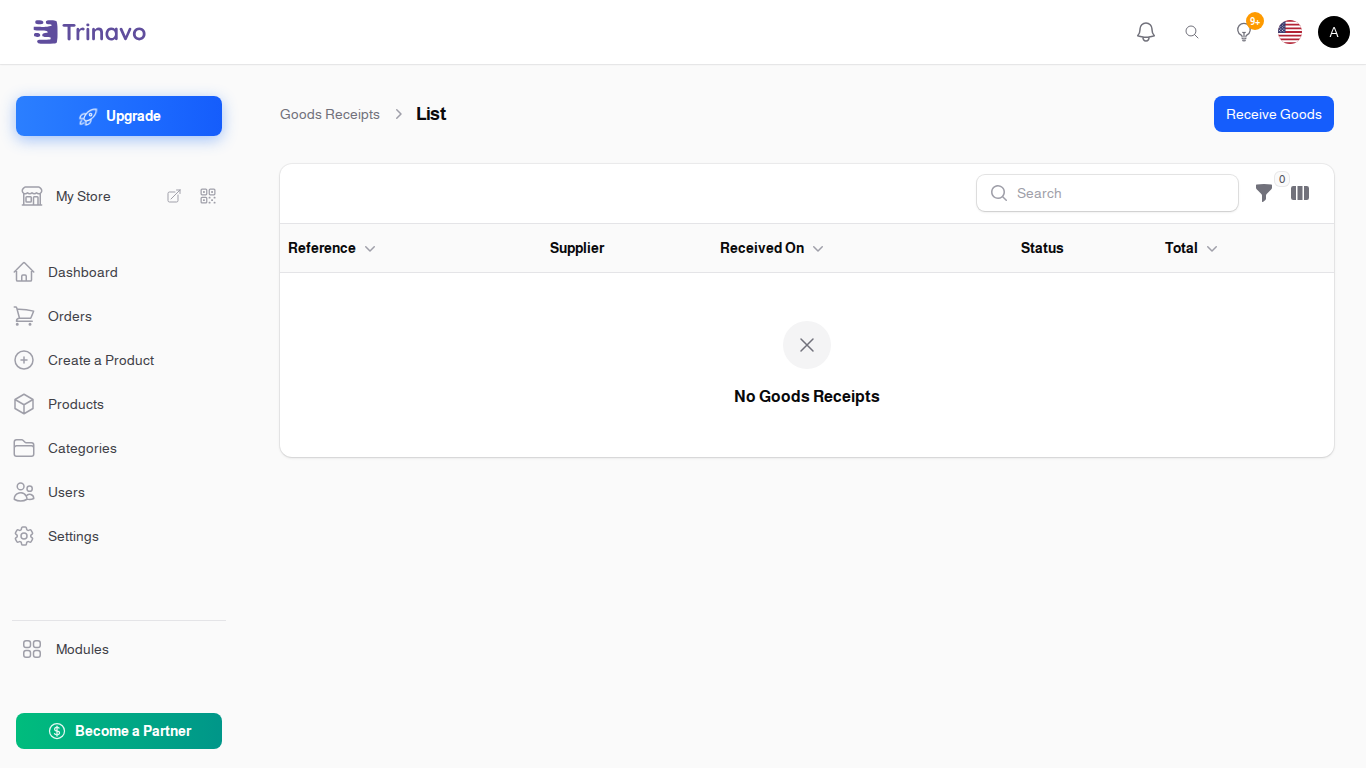
Recording a Delivery
Click Receive Goods. A short dialog asks only for:
- Supplier: who it came from
- Received On: the day it arrived, not the day you are typing it in
Save it, and the receipt opens as a full page. It is a Draft at this point: nothing has moved yet.
Adding what arrived
Under Products Received, add a line for each product:
- Item: the product
- Variation: which size or colour, if the product has options
- Quantity: how many arrived
- Unit Cost: what you paid per unit, not what you sell it for
- Line Total: calculated for you
You can also fill in Reference (your own number for this delivery), Supplier Document (a photo or PDF of the delivery note), and Notes.
Posting the Receipt
Nothing reaches your stock until you click Post Receipt.
This is deliberate: a draft can be corrected freely, and a delivery is often typed in while it is still being unpacked. Posting is the moment you say the count is right.
When you post, the dialog asks one more question: I have the invoice for this delivery. If you switch it on, it also asks for the Supplier Invoice Number and a Due Date, and creates the invoice for you in the same step. That saves entering the same lines twice, and it is the normal case when the invoice comes in the box with the goods.
If the invoice has not arrived yet, leave it off. You can click Record Invoice on the receipt later, and Open Invoice to jump to it once it exists.
Once posted, the status becomes Posted to Stock and the quantities are on your shelf.
Statuses
- Draft: typed in, nothing moved. Editable
- Posted to Stock: quantities and costs applied
- Cancelled: reversed
Filtering
The list filters by Status and by Supplier, which is the quickest way to answer "what is still sitting in draft?"
What does not belong here
Stock you bought for resale belongs here, and not under Expenses. It becomes a cost at the moment the product sells. Recording it in both places subtracts the same money twice and makes your profit look far worse than it is.
Rent, salaries, advertising and the courier bill are the other way round: those are Expenses.
Related Sections
- Suppliers - who you buy from
- Supplier Invoices - what they billed you
- Inventory Management - where the received quantity shows up
- Stock History - the log of every stock movement, including this one
- Reports - where cost turns into profit