Google Search Console
Proves to Google that your store's address is yours, so you can follow in Google Search Console how your store does in Google search, and send it your store's sitemap.
Where to find it
Open Modules → System Settings → Plugins, go to the SEO tab and click Configure on the Google Search Console card.
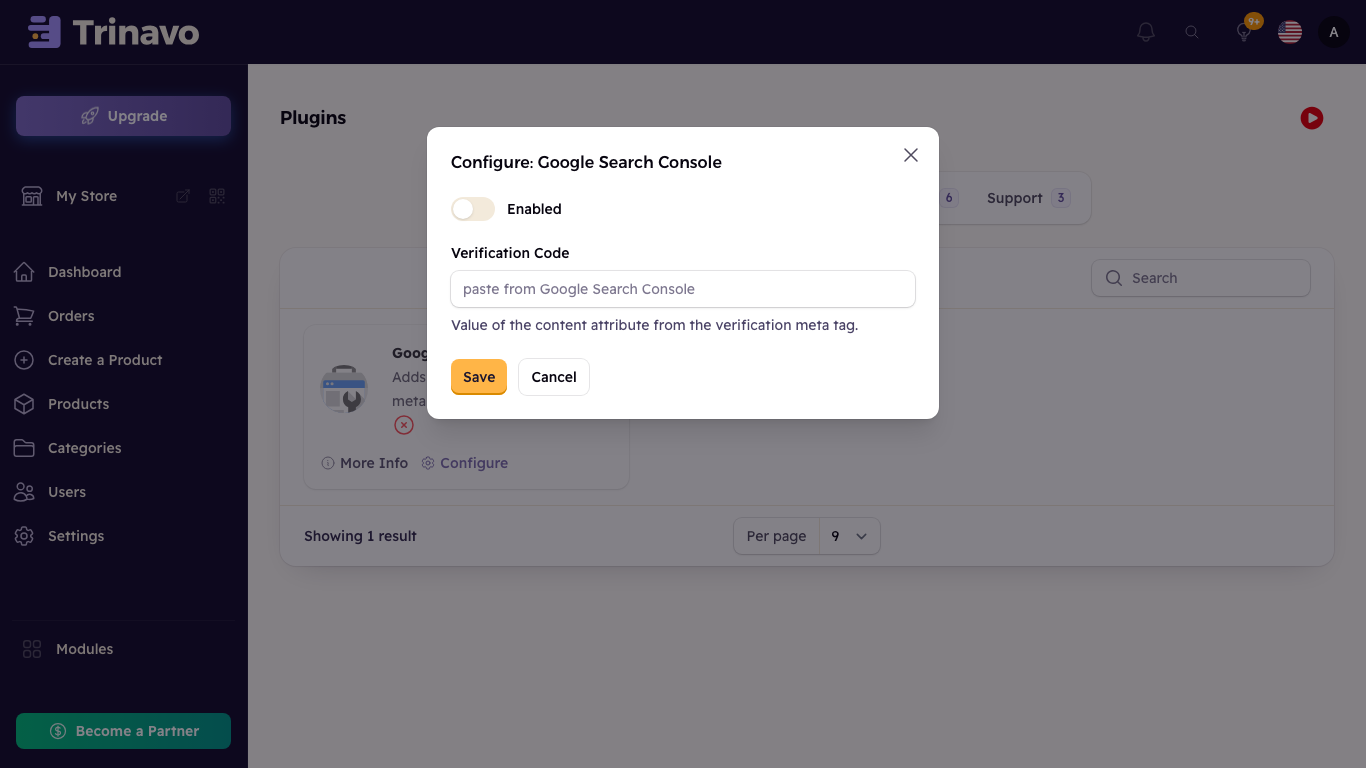
The plugin needs your own domain connected to the store before it can be switched on.
Verify your store
- In Google Search Console, add your store's address as a URL prefix property.
- Choose the HTML tag method and copy the tag Google shows.
- In the plugin's settings, switch on Enabled and paste the tag in Verification Code. The whole tag or only the code inside
content="..."both work. - Click Save.
- Back in Google Search Console, click Verify.
Keep the plugin on after verifying: Google checks the code again from time to time.