Telegram Notifier
Sends your store's messages on Telegram through a bot of your own: alerts such as new orders to you and your staff, and order updates to customers. It can also send password reset codes.
Where to find it
Open Modules → System Settings → Plugins, go to the Communication tab and click Configure on the Telegram Notifier card.
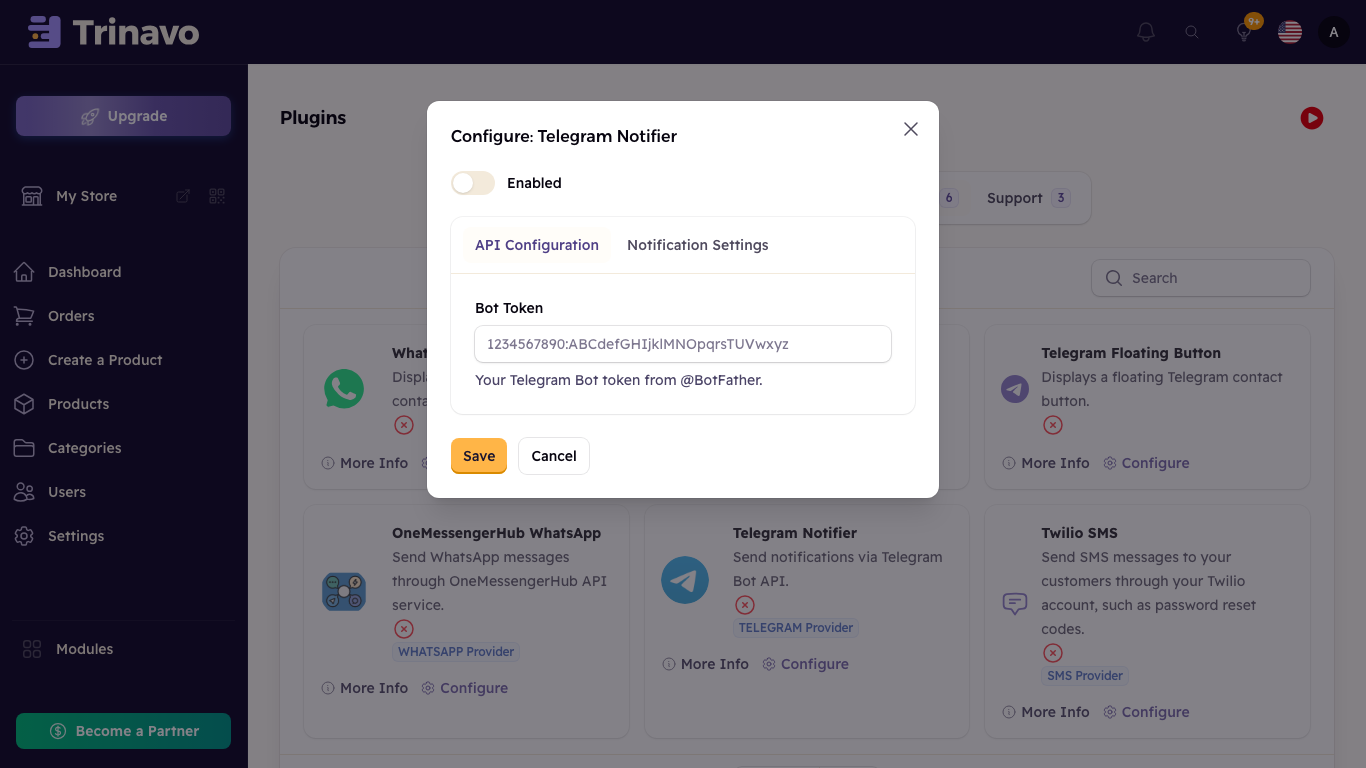
It is a premium plugin: it cannot be switched on while your store is on the free plan, and its card then shows Premium.
Create your bot and connect it
- In Telegram, open a chat with @BotFather, send
/newbot, and follow its questions. It answers with your bot's token. - In the plugin's settings, switch on Enabled and paste the token in Bot Token on the API Configuration tab.
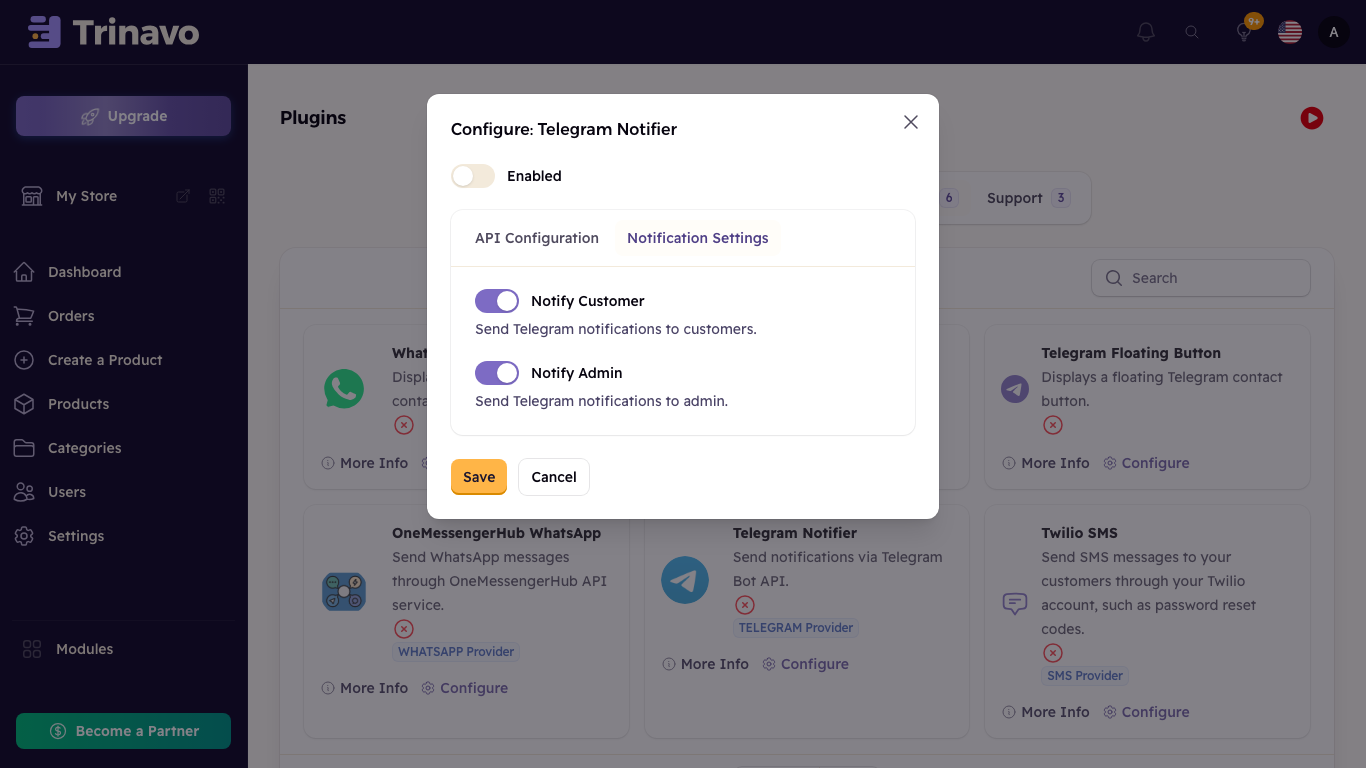
- On the Notification Settings tab, choose who gets messages.
- Click Save.
- In Telegram, open your new bot and press Start, so it is allowed to write to you.
| Field | What it does |
|---|---|
| Notify Customer | Sends customers their messages on Telegram, such as each change of their order's status. Only customers whose account has a Telegram Chat ID get them. |
| Notify Admin | Sends you and your staff alerts on Telegram, such as a new order. Each staff member gets them on the Telegram Chat ID saved on their own account. Who gets which alert is set in Notification Settings. |
Receive the alerts yourself
A bot writes to a chat ID, a number Telegram gives each account. To find yours, message @chatIDrobot on Telegram; it replies with the number.
- Click Test on the plugin's card. It shows once the plugin is on.
- Type your number in Chat ID and click Send Test Message.
- When the message arrives, click Save this chat ID to my profile. From then on, your alerts come to this chat.
For a staff member or a customer, type their number in Telegram Chat ID on their account in Users.
Password reset codes by Telegram
With the plugin on, customers who have a Telegram chat ID can get a password reset code on Telegram: switch on Code by WhatsApp or Telegram under Password Reset in Registration Settings.