Inventory Anomalies
Purpose
This report finds stock numbers that cannot be right.
Some of your quantity can be held: reserved because it is sitting in a customer's cart but not yet bought. Normally held is less than what you have. When it is not, something has gone wrong, and the symptom a customer sees is a product that refuses to sell even though the shelf says there are plenty.
This is a diagnostic screen. You will not need it on a normal day, and it is the first place to look when a product will not add to a cart.
Accessing Inventory Anomalies
Click Modules → Reports → Inventory Anomalies
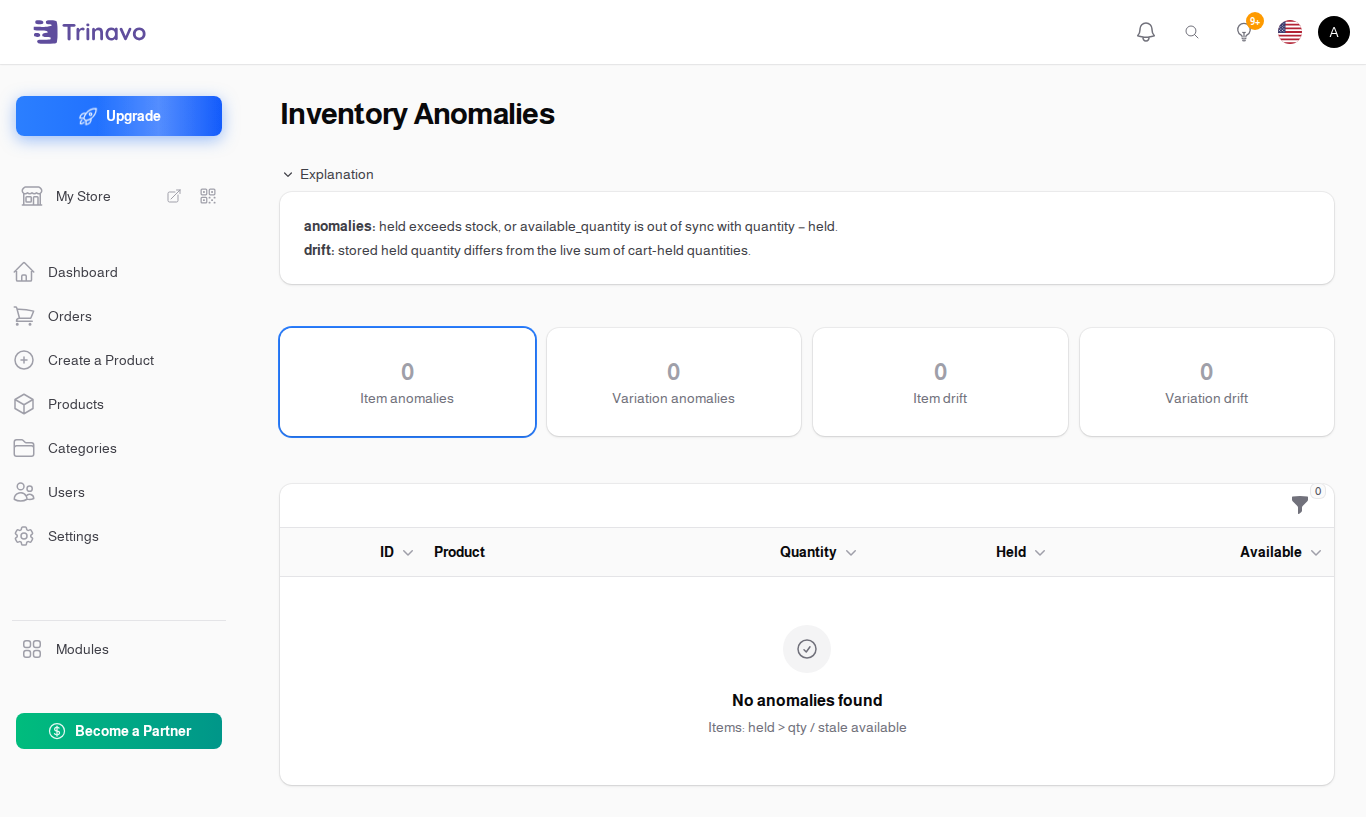
The four views
Pick one from the selector at the top:
- Items: held > qty / stale available - products claiming more reserved than they have
- Variations: held > qty / stale available - the same, for individual sizes and colours
- Items: stored held drifted from live cart sum - the held number does not match the carts that actually exist
- Variations: stored held drifted from live cart sum - the same, per variation
The first two find impossible numbers. The last two compare the stored figure against a live count of what is really in customers' carts right now, which catches the case where the number is possible but simply wrong.
Reading the columns
| Column | What it means |
|---|---|
| Product | the product, or the variation |
| ID | its id, useful when two products share a name |
| Quantity | what you have |
| Held quantity | what is reserved in carts |
| Available | what a customer can still buy |
| Live held (cart sum) | what the carts actually add up to, counted now |
| Drift (live − stored) | the gap between the two. Zero is healthy |
The last two only appear in the drift views.
Fixing what it finds
Two actions sit on each row:
- Edit quantity opens the product so you can correct the number
- View product opens it in the catalogue
A common cause of drift is a customer account that was deleted while it still had a cart holding stock. The hold outlives the cart, and the quantity never comes back.
Related Sections
- Inventory Management - the day-to-day stock screen, including held stock
- Stock History - the log of every change to a quantity
- Carts - the carts doing the holding
- Stock Adjustments - correcting stock with a reason recorded