Supplier Payments
Purpose
A supplier payment records money leaving you and going to a supplier, and says which of their invoices it settles.
That second part is what makes the balances work. A payment that is not applied to any invoice still reduces what you owe overall, but the individual invoices stay unpaid, so the Supplier Aging report keeps showing debts you have already settled.
This is a paid feature. Without it on your plan the list stays readable but nothing new can be created.
Accessing Supplier Payments
Click Modules → Purchasing → Supplier Payments
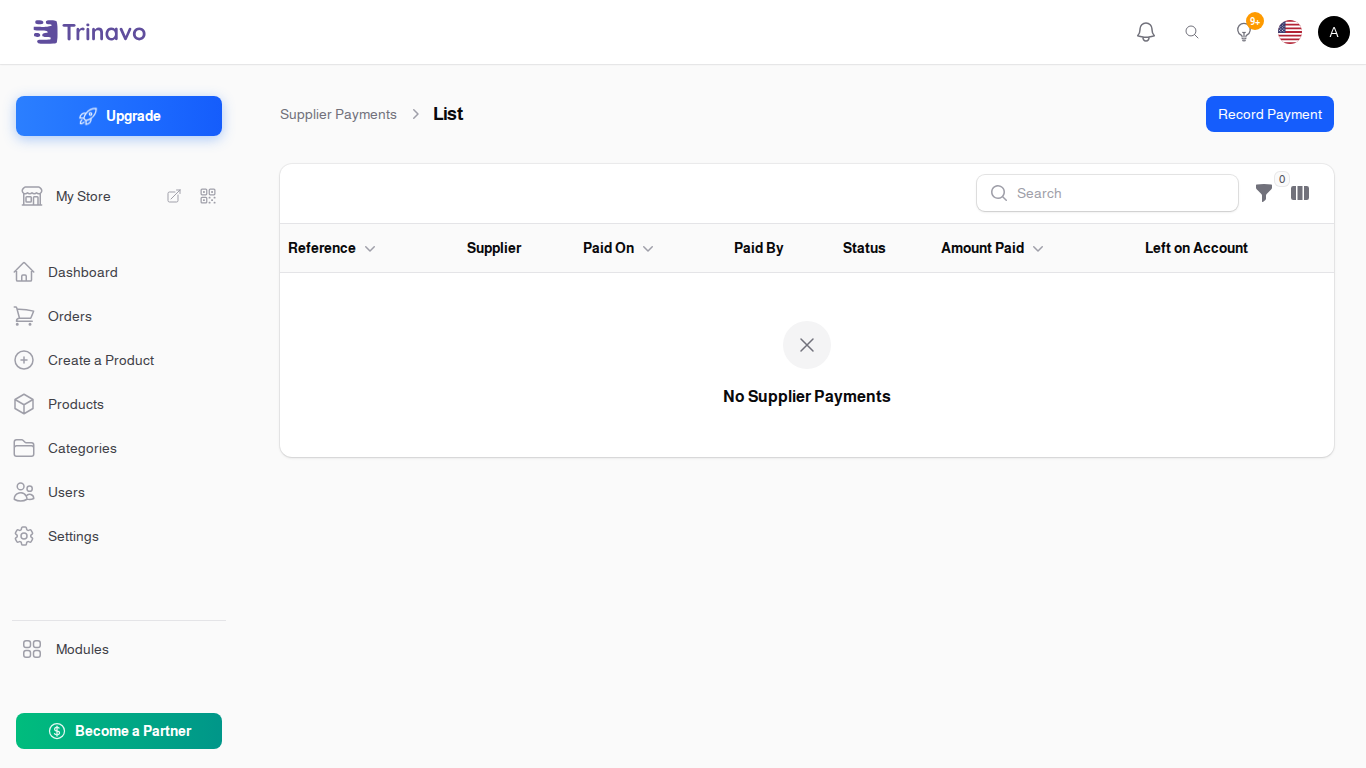
Recording a Payment
Click Record Payment. A short dialog asks for:
- Supplier: who you paid
- Amount Paid: how much left you
- Paid By: how you paid
- Paid On: the day the money left
Save it, and the payment opens as a full page so you can say what it settles.
Applying it to Invoices
Under Invoices Settled, choose an Invoice and the Amount Applied to it. One payment can be split across several invoices, which is what happens when you pay a supplier a round sum against a month of deliveries.
Two shortcuts save doing that by hand:
- Settle Oldest First applies the money to the supplier's oldest unpaid invoice, then the next, until it runs out. This is what most stores want, and it is what keeps the aging report honest
- Apply to Invoices commits the allocation you have set up
Left on Account shows how much of the payment has not been applied to anything yet. A payment sitting with money left on account is usually a payment someone forgot to finish.
Other fields
- Payment Reference: the bank's reference or cheque number
- Reference: your own number
- Receipt: a scan or photo
- Notes: anything else
Statuses
- Draft: recorded, not yet counted
- Posted to Ledger: applied, and reflected in what the supplier is owed
- Cancelled: reversed
Filtering
Filter by Status, Supplier and Paid By.
What does not belong here
This is for paying suppliers for stock. Paying the landlord, the courier or the electricity company is an Expense, and recording it here would leave it out of your operating costs.
Related Sections
- Suppliers - and their statement, which lists these payments
- Supplier Invoices - what a payment settles
- Supplier Aging Report - what is still owed after payments