Item Statuses
Labels of your own for products, such as New Arrival or Discontinued. You pick one on a product and then filter the Products list by it, to find those products quickly.
Where to find it
Open Modules → System Settings → Item Statuses.
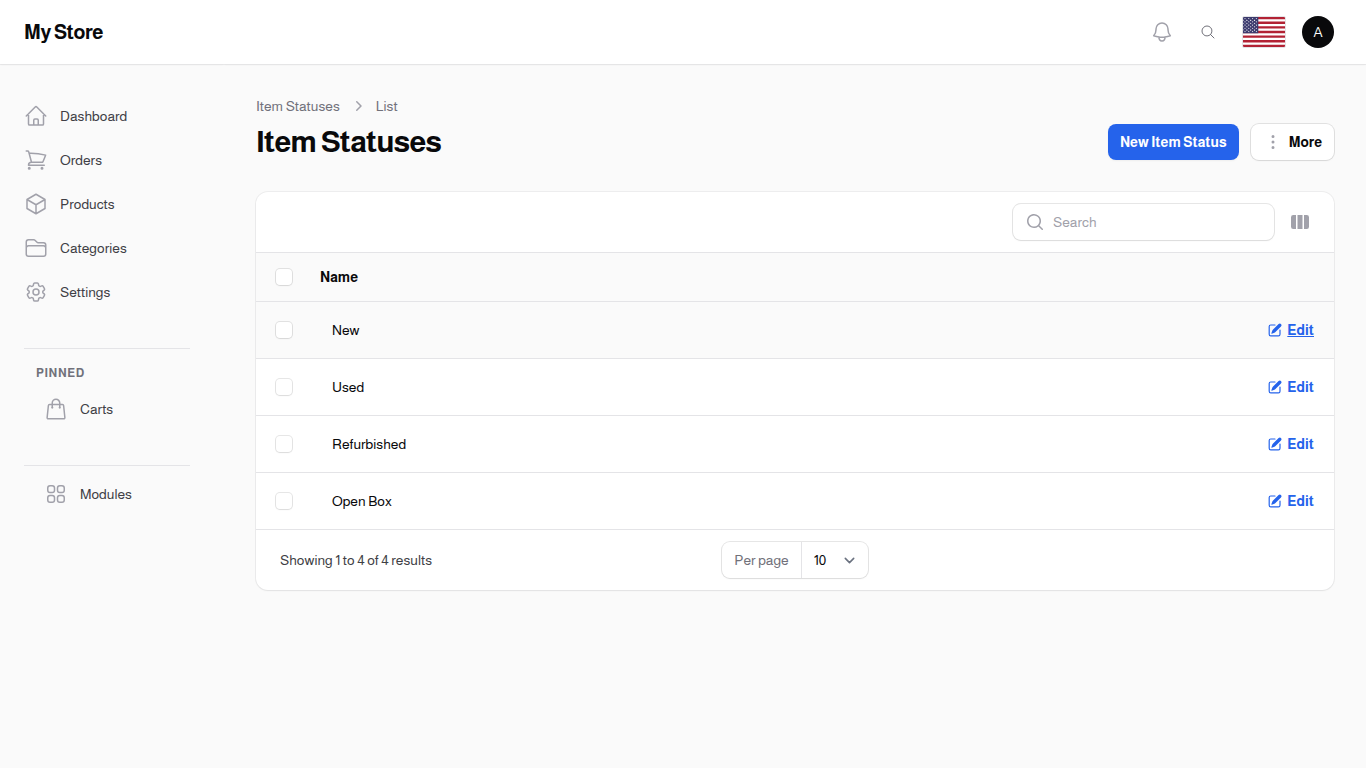
Add a status
- Click + (New Item Status).
- Type the Name.
- Click Create.
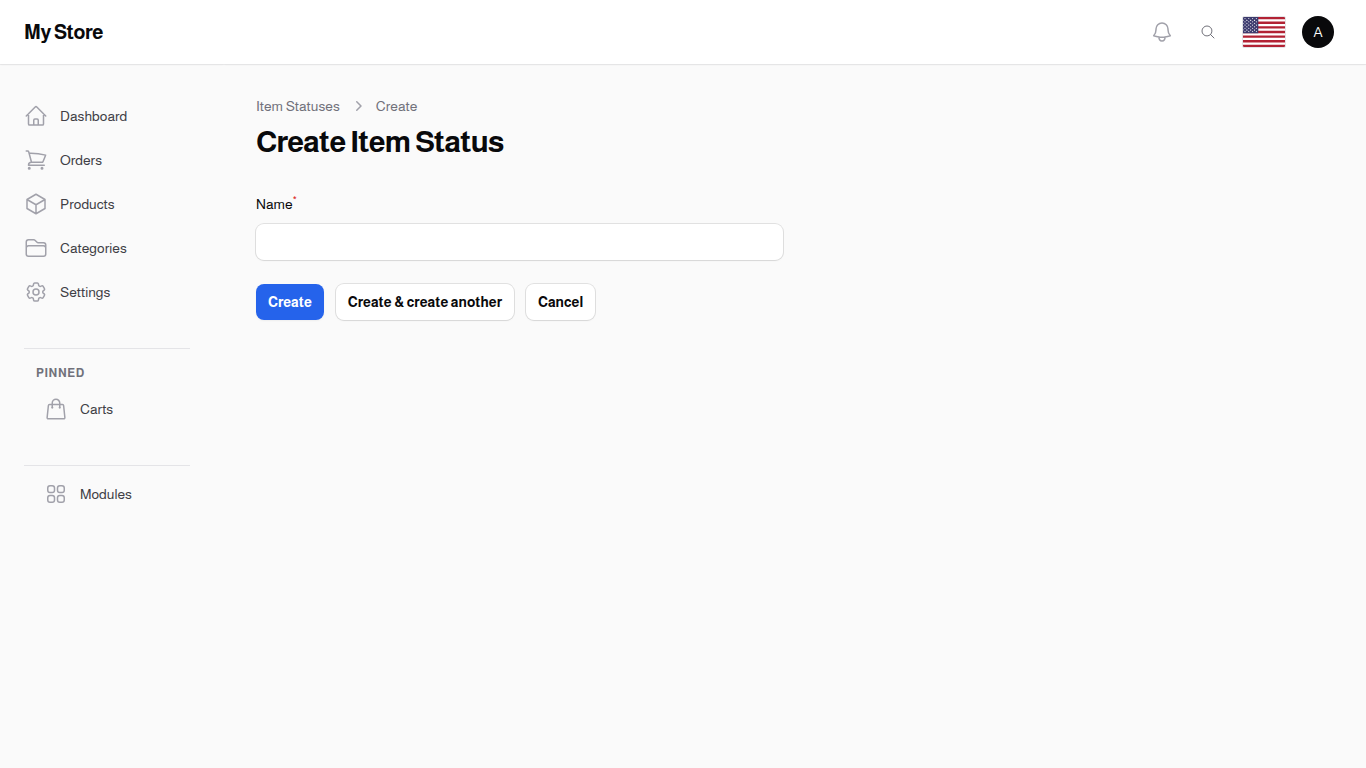
To give a product a status, open the product, go to the Other tab and choose it in Status. In the Products list, the Status filter shows the products that have one status.
Rename or delete a status
Click Edit on the status's row to rename it, or Delete to remove it.
To download the statuses as a spreadsheet, choose Export from the ⋮ menu (More) at the top, or tick rows and choose Export from the bulk actions.