Contact Support
Write to the Trinavo team without leaving your dashboard: report a problem, send an idea for something new, or ask a question. Our replies come back to this screen.
Where to find it
Open Modules → My Account → Contact Support, or open your profile menu (the round picture at the top of the screen) and click Contact Support. A red number on that menu entry counts the replies you have not read.
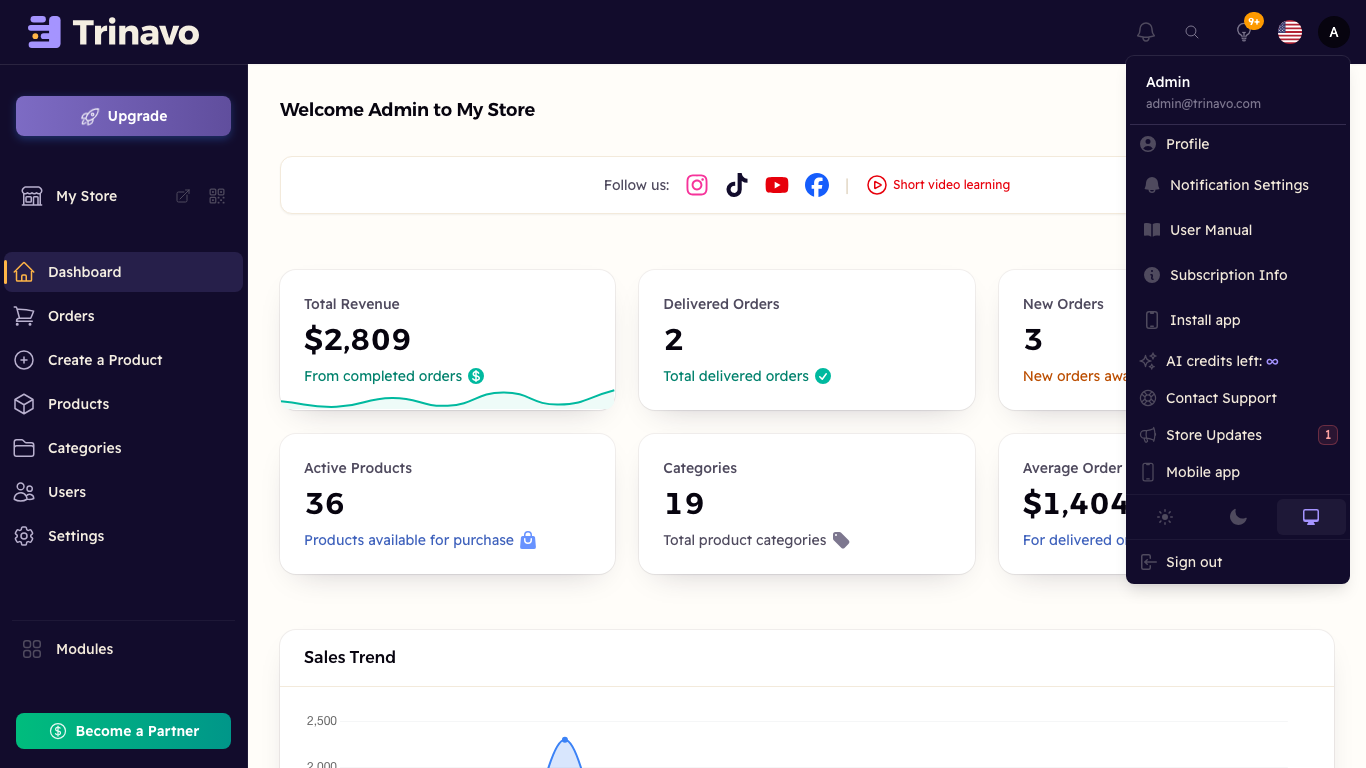
The screen opens on Your messages, the list of what you have sent. The first time, with nothing sent yet, it opens straight on the form.
Only the store owner can open it. If a reseller set up your store for you, you contact them instead, and this screen does not appear for you.
Send a message
- If you have sent messages before, click New message.
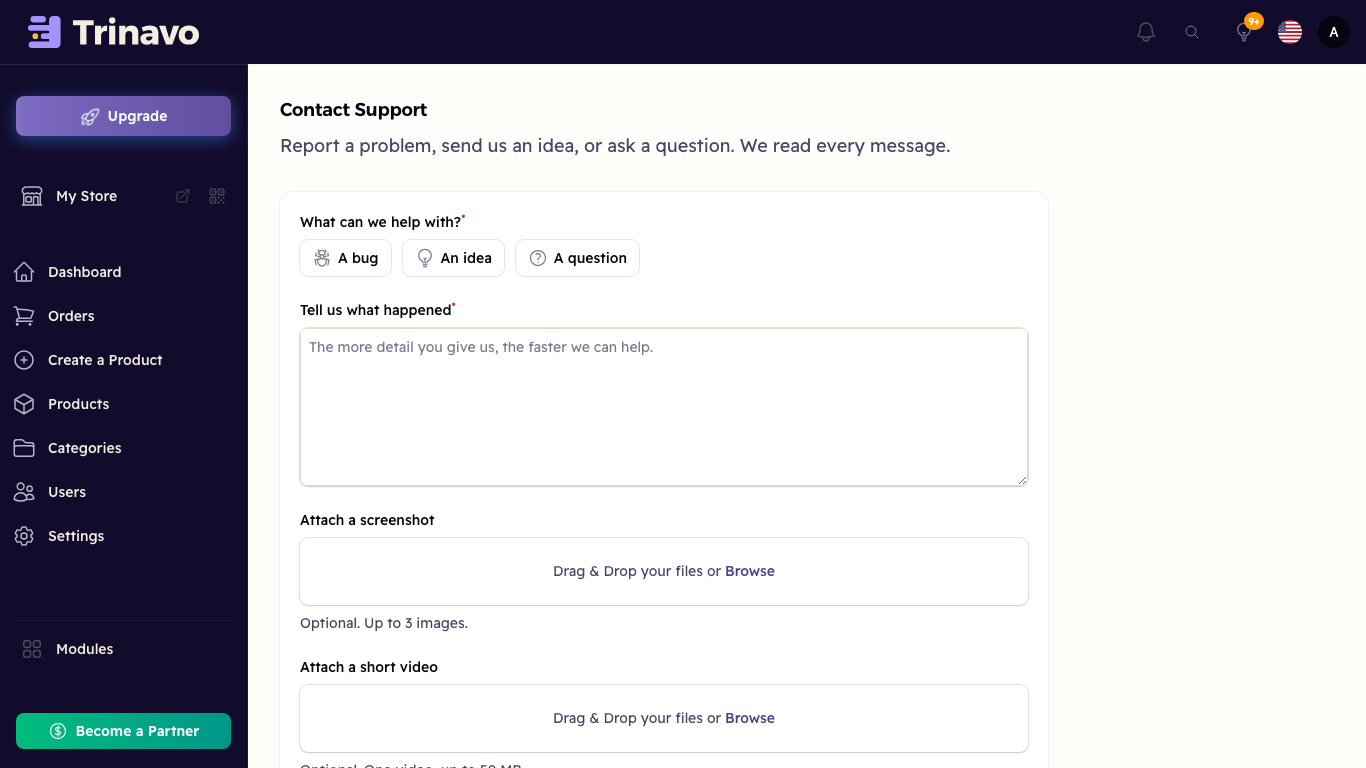
- Under What can we help with?, choose A bug, An idea or A question.
- Write your message in Tell us what happened.
- Add pictures of what you see with Attach a screenshot (up to 3 images) or a screen recording with Attach a short video (one video, up to 50 MB). Both are optional.
- Click Send.
You see Thank you! with your message's reference number, and the conversation opens. The screen you came from and the browser you use are added for us automatically, so there is nothing technical to write.
If the message could not reach us, you see We could not send your message. What you wrote stays in the form, so you can send it again a moment later.
Read a reply and answer
Each message in Your messages shows its reference number, its subject, its kind and its status:
| Status | Meaning |
|---|---|
| Waiting for us | We have not answered yet. |
| We are looking into it | We are working on it. |
| Answered | We replied. |
| Closed | The conversation is finished. |
A red number on a message counts our replies you have not read. When we reply you also get an email that links straight to the conversation.
- Click the message to open the whole conversation.
- Write in Your reply, attach pictures or a video if they help, and click Send reply.
A closed conversation has no reply box: send a New message instead. All messages takes you back to the list.