Zaetoon
The chat window of Zaetoon, a customer support service, on every page of your store. Your customers' messages arrive in your Zaetoon helpdesk, where you answer them.
Where to find it
Open Modules → System Settings → Plugins, go to the Support tab and click Configure on the Zaetoon card.
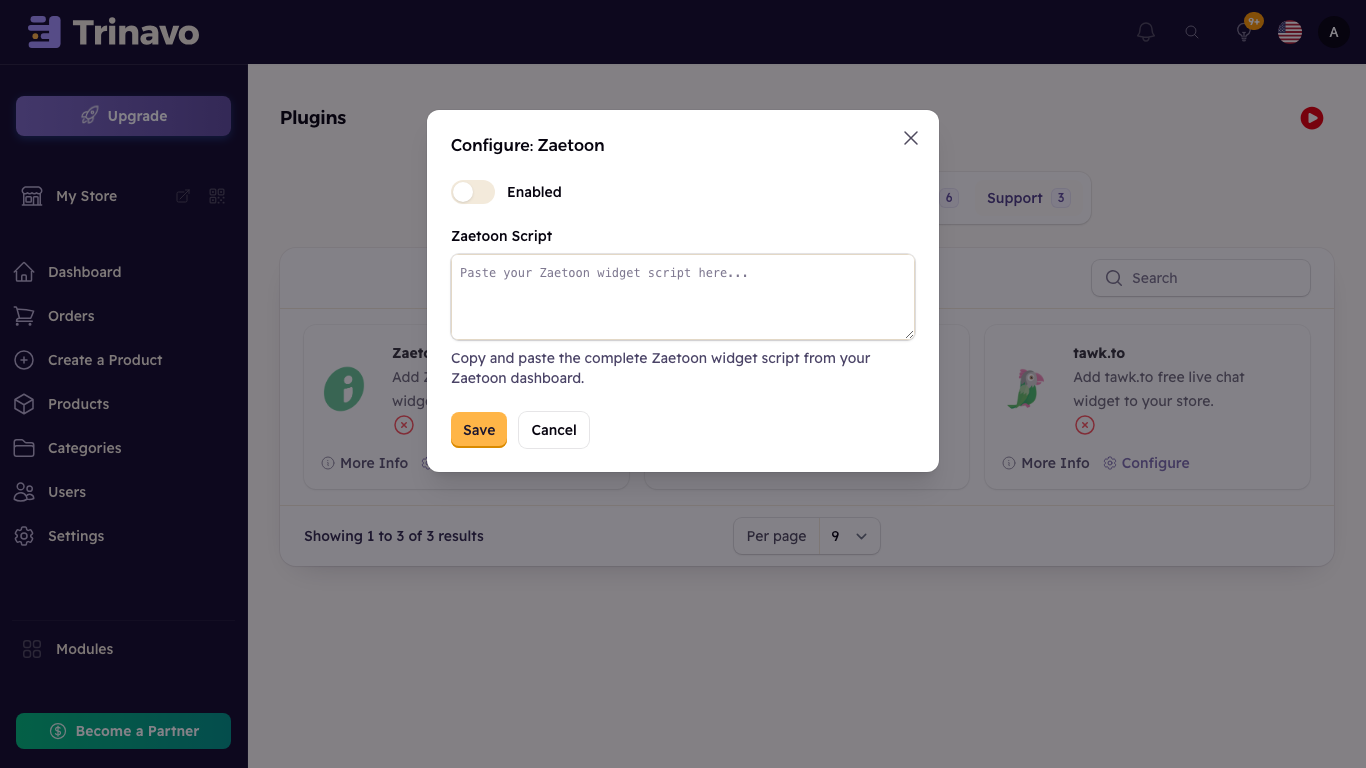
Turn on the chat
- Sign up at zaetoon.com (More Info on the card opens it).
- In your Zaetoon dashboard, copy the whole chat widget code, from
<scriptto</script>. - Back in your store, switch on Enabled and paste the code in Zaetoon Script.
- Click Save.
The chat appears on every page of your store. Its look and texts are set in Zaetoon.