Suppliers
Purpose
A supplier is whoever you buy stock from. Recording them is what lets the rest of the Purchasing group work: goods you receive are received from someone, invoices arrive from someone, and payments go to someone. Once that chain exists, the store can tell you what each supplier is owed and how late it is.
This is a paid feature. Without it on your plan the screens stay readable, but the New Supplier button is gone and Edit becomes View, so you can look at what is already there and change nothing.
Accessing Suppliers
Click Modules → Purchasing → Suppliers
Adding a Supplier
Click New Supplier. The form opens in a dialog over the list, in two sections.
Supplier
- Name: what you call them. This is the only field you must fill in
- Code: your own short reference, if you use one. Useful when two suppliers have similar names
- Contact Name: the person you actually deal with
- Mobile and Email: how to reach them
- Tax Number: their registration number, for your own records
- Address: free text
Billing
- Currency: the currency this supplier bills you in. It does not have to be your store's currency
- Payment Terms (Days): how many days you have to pay an invoice. This is what makes an invoice show as overdue, and what drives the Supplier Aging report
- Opening Balance: what you already owed this supplier before you started using the system. Enter it once, when you add them, so their balance is right from day one
- Active: switch off a supplier you no longer buy from. Their history stays
- Notes: anything else
The List
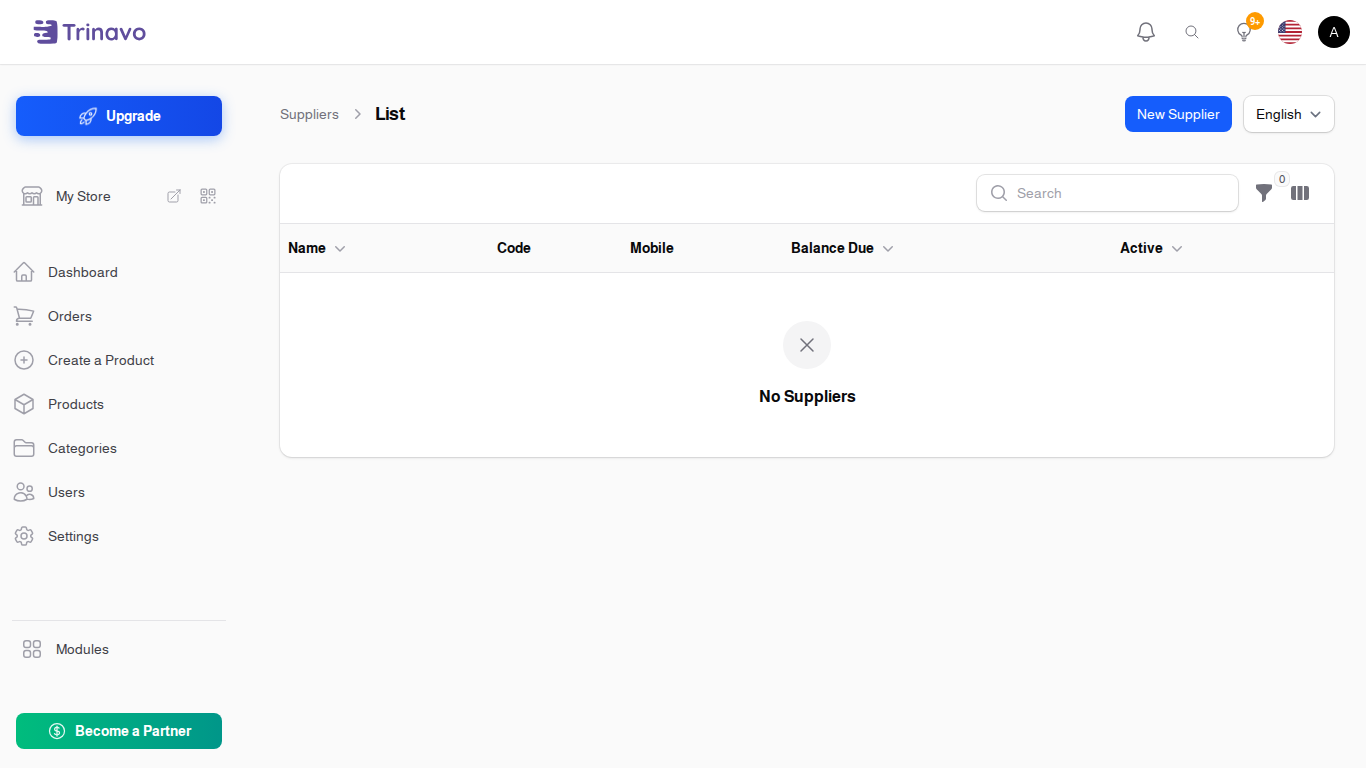
Each row shows the supplier's Balance Due: what you still owe them across every invoice, less what you have paid. It is calculated, not typed.
You can filter by Active to hide suppliers you have retired.
Statement
Click Statement on any supplier row to see everything that has passed between you: the invoices raised, the payments made, and the running balance.
This is the screen to open when a supplier says you owe them a different number than you think you do.
Deleting a Supplier
A supplier with goods receipts, invoices or payments against them cannot be deleted, because deleting them would leave that history pointing at nothing. Switch off Active instead: they disappear from the selection lists on new documents, and everything already recorded stays readable.
Related Sections
- Goods Receipts - stock arriving from a supplier, at what it cost
- Supplier Invoices - what a supplier has billed you
- Supplier Payments - what you have paid them
- Supplier Aging Report - who is owed what, and how late
- Expenses - running costs, which are not stock and belong there instead