Logos
Purpose
Logos is the row of other companies' marks you show on your storefront: brands you stock, payment methods you accept, certifications you hold, partners you work with.
It is a trust strip. Shoppers who have not bought from you before recognise the names even when they do not recognise yours.
Accessing Logos
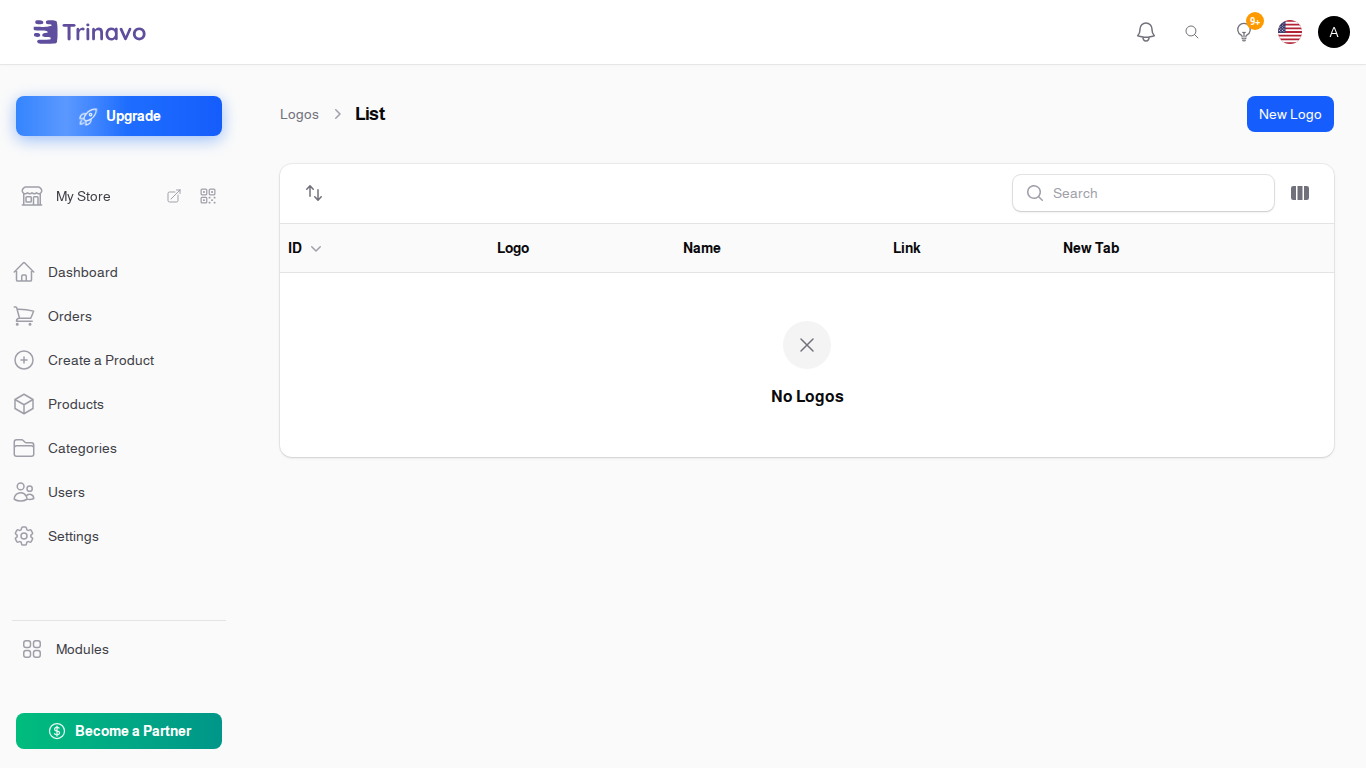
Click Modules → Marketing & Content → Logos
Adding a Logo
Click New Logo. The form opens in a dialog over the list:
- Logo Image: the mark itself
- Name: what it is, used as the image's alternative text
- Link (optional): where clicking it goes. Leave it empty for a logo that is not clickable, which is usually right for a payment mark
- Open in New Tab: for a link that leaves your store, so the shopper does not lose their place
The list also carries a Sort Order, lowest first, which is how you decide what appears at the start of the row.
Choosing images
Use images of roughly the same height and shape. A strip of logos at different sizes reads as untidy rather than reassuring, and it is the most common thing to get wrong here.
Related Sections
- Brands - brands attached to products, which is a different thing
- Slider Items - the storefront banners
- Testimonials - the other trust element
- Appearance - how your storefront looks