Payments
Purpose
This is every payment against every order, in one list: what came in, against which order, by which method, and whether it went through.
An order can have more than one payment. A customer might pay part now and part later, pay half by wallet and half by card, or be refunded after the fact. This screen is where all of that is visible at once, rather than one order at a time.
Accessing Payments
Click Modules → Orders & Sales → Payments
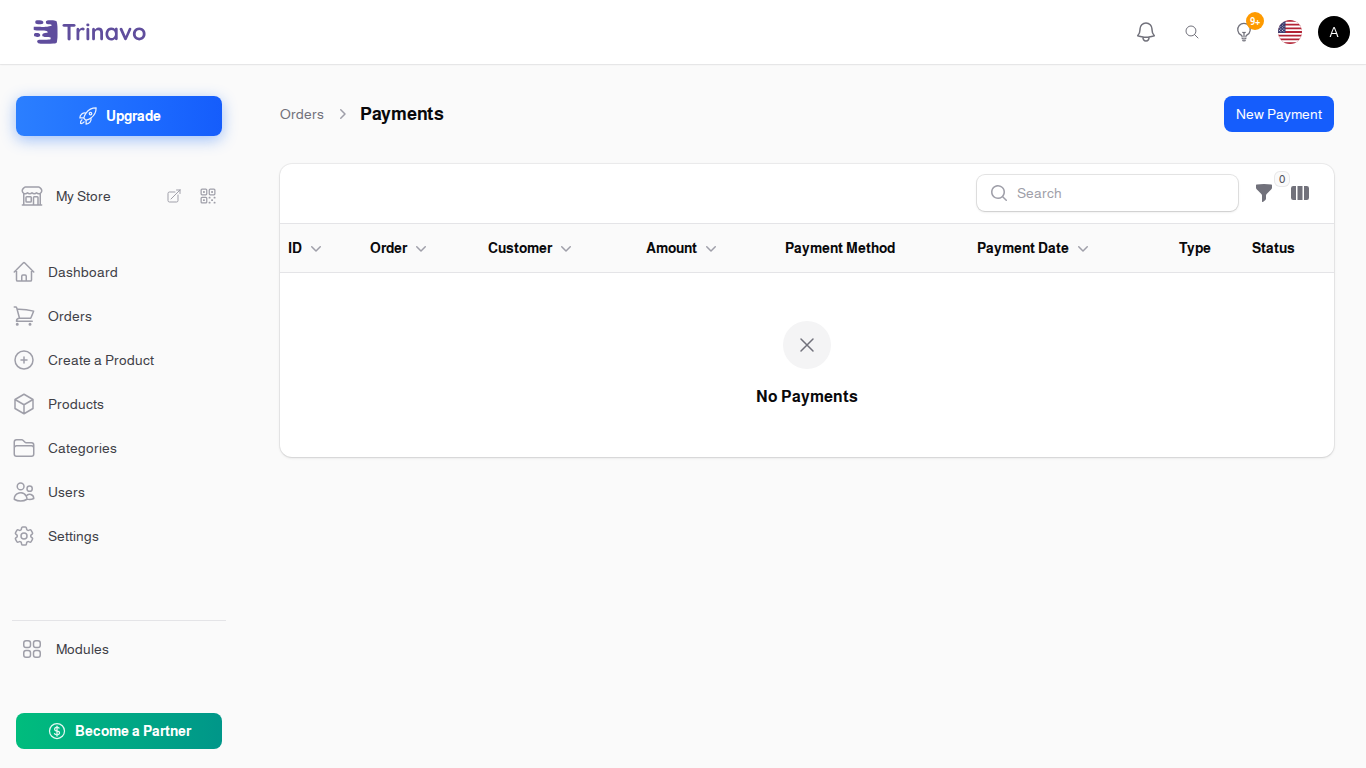
Reading the list
| Column | What it means |
|---|---|
| ID | the payment's own number |
| Order | the order it belongs to |
| Customer | who placed that order |
| Amount | how much |
| Payment Method | how they paid |
| Payment Date | when |
| Type | Payment or Refund |
| Status | Completed, Pending or Failed |
Pending is the one to watch. A pending payment is money the store has been told about but has not confirmed, and an order sitting on a pending payment has not really been paid.
Recording a Payment
Most payments arrive on their own, from the gateway or from checkout. You record one by hand when money reached you outside the store: a bank transfer, cash on collection, or a correction.
Click New Payment and fill in:
- Order: which order the money is for
- Payment Amount: how much
- Payment Method: how it was paid
- Payment Date: when it arrived
- Type: Payment or Refund
- Reference Code: the bank's reference, the receipt number, whatever identifies it
- Notes: anything else
- Attachment: a photo of the transfer or receipt
Refunds
A refund is recorded here as a payment with Type set to Refund. It does not send money anywhere on its own: it records that money went back, so the order's totals and your reports are right.
Moving the money is done wherever it was taken, which for a card payment is usually the gateway's own dashboard.
Related Sections
- Orders - the orders these payments belong to
- Gateway Payment Orders - what the payment gateway recorded
- Payment Methods - the methods available at checkout
- Order Activity - the log of everything that happened to an order