Units
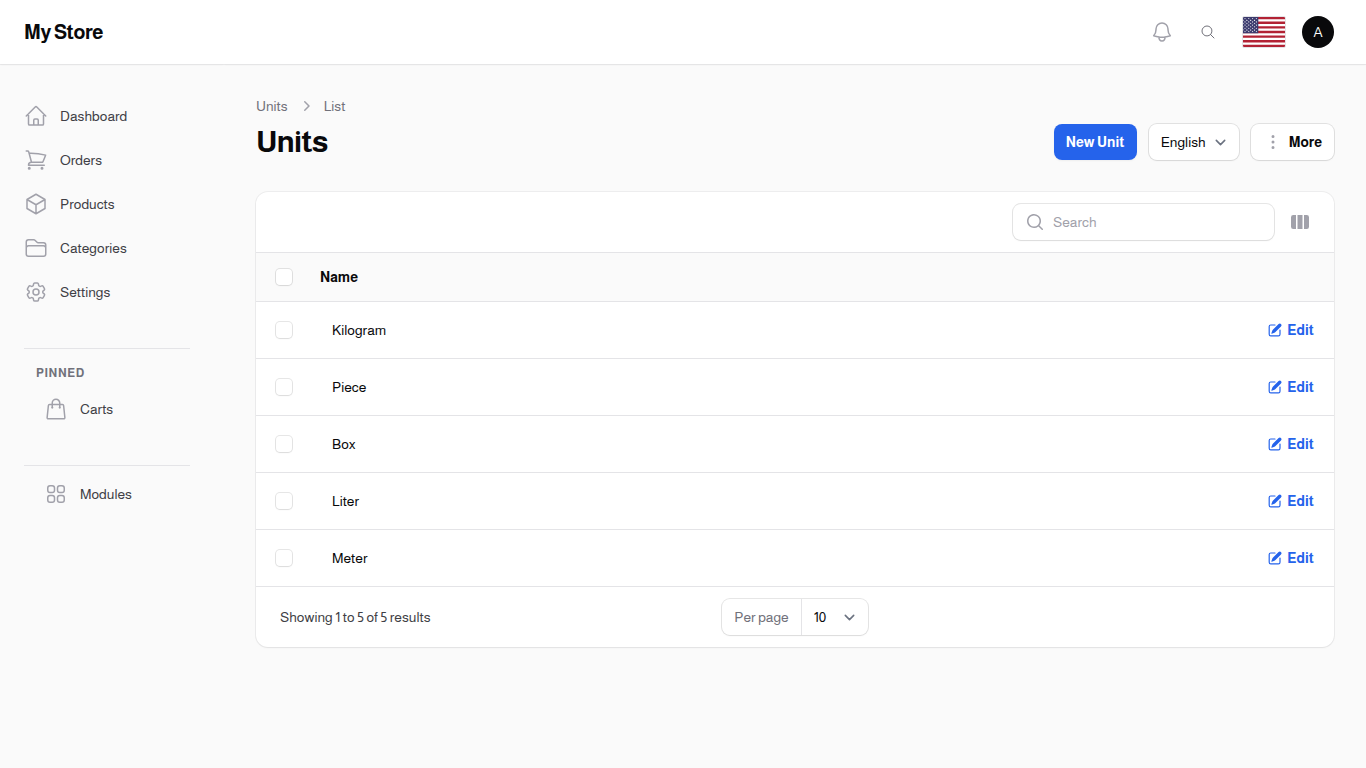
The units your products are sold by, such as Piece, Kilogram or Box. The product's unit is shown in its details on the product page and next to it in the cart.
Where to find it
Open Modules → System Settings → Units.
Add a unit
- Click + (New Unit).
- Type the Name.
- Click Create.
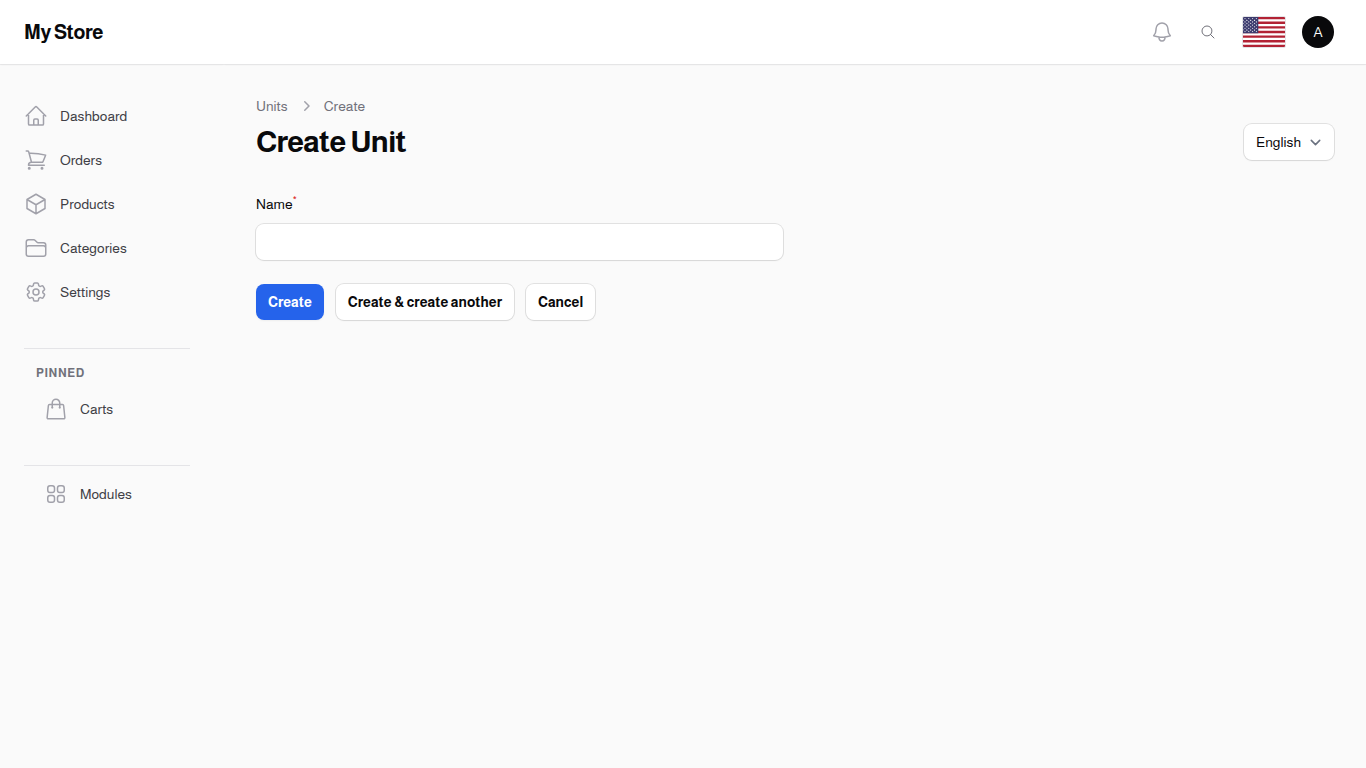
Use the language switcher at the top of the list to write the name in each language.
You do not have to come here first: on a product's Pricing & Inventory tab, the Unit list has a + that adds a new unit without leaving the product.
Rename or delete a unit
Click Edit on the unit's row to rename it, or Delete to remove it. To delete several, tick them and choose Delete from the bulk actions.
To download the units as a spreadsheet, choose Export from the ⋮ menu (More) at the top, or tick rows and choose Export from the bulk actions.