Tutorial Videos
Short video lessons that show, step by step, how to do things in your dashboard. One lesson plays at a time, with the list of all lessons beside it.
Where to find it
Open Modules → My Account → Tutorial Videos.
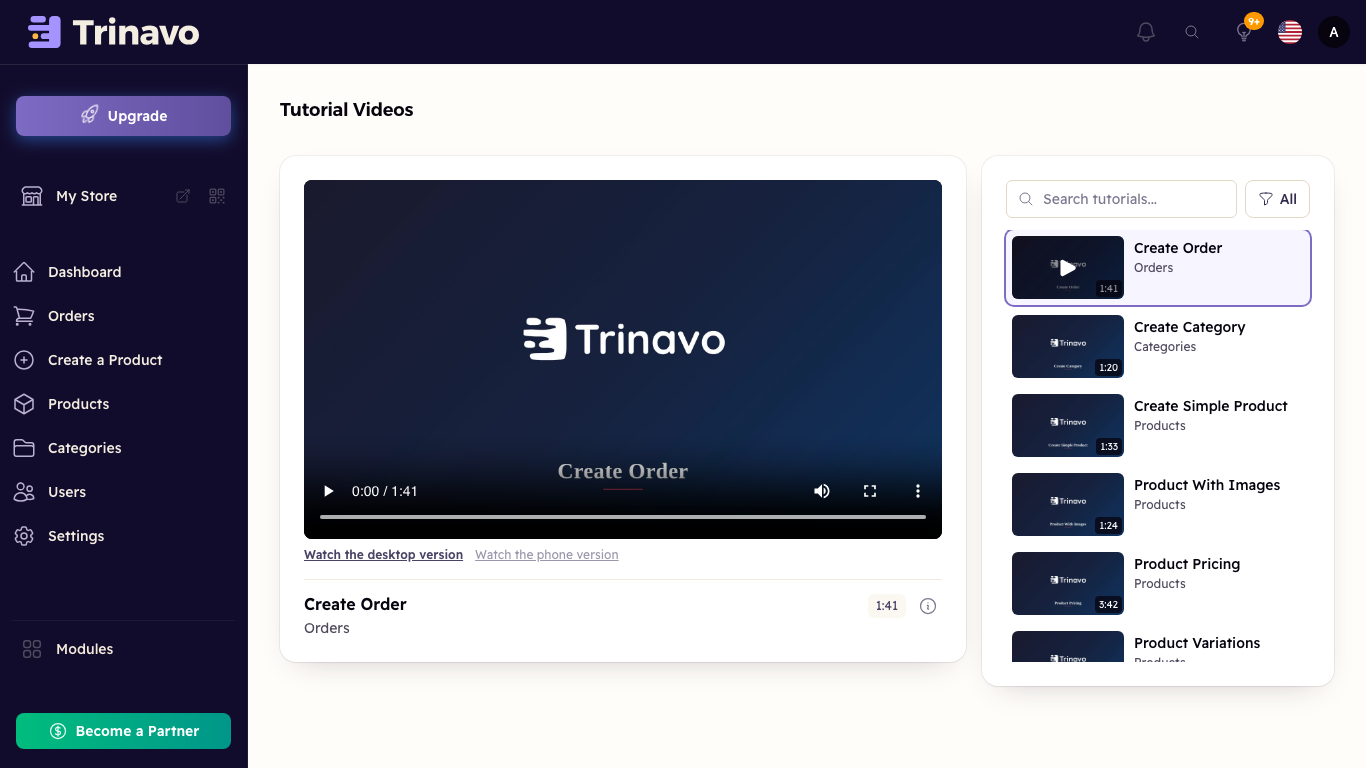
Everyone who can sign in to the dashboard can open it.
Watch a lesson
The screen opens on the first lesson, waiting for you to press play. Click any lesson in the list and it starts playing right there, without leaving the screen.
A lesson you watch to the end gets a tick in the list, so you can see what you have covered. The ticks are kept in the browser you watched in.
When a lesson was recorded both ways, Watch the desktop version and Watch the phone version under the player switch between the computer recording and the phone recording. This tutorial is only available with Arabic narration. means the lesson has no English recording yet.
The address in your browser follows the lesson and section you pick, so you can copy it and send someone straight to that lesson.
Find a lesson
- Type part of a lesson's name in Search tutorials... above the list.
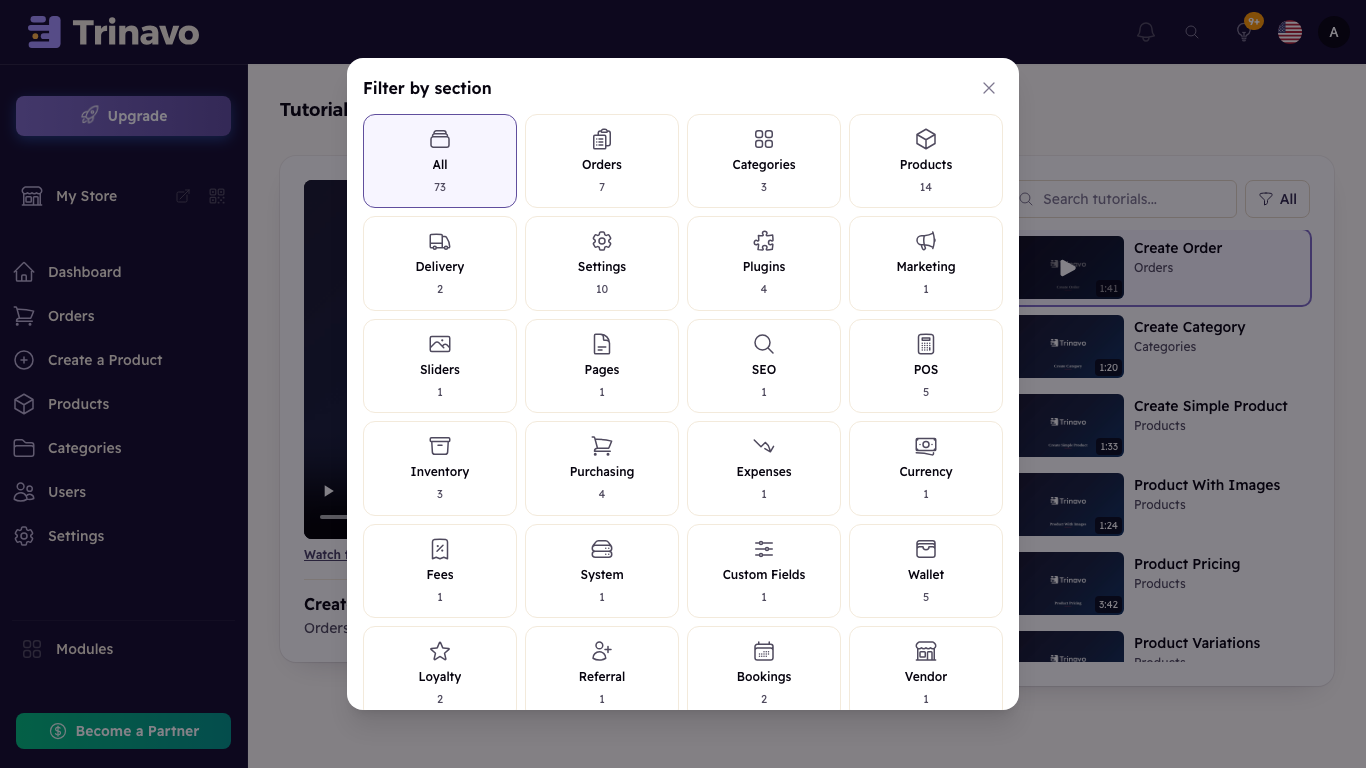
- Click the section button beside the search box (it reads All until you pick one) to open Filter by section, then pick a section to list only its lessons. All brings every section back.
Read the steps
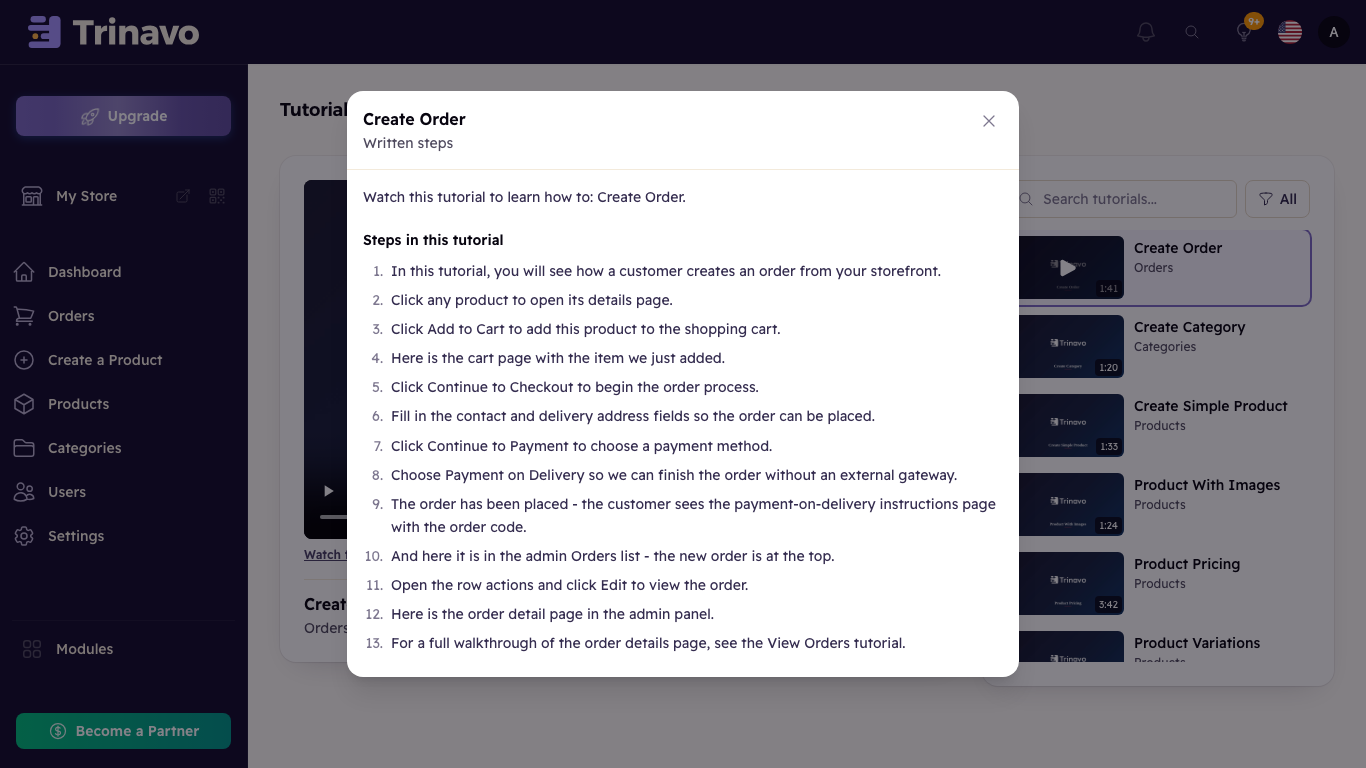
Click the ⓘ button beside the lesson's title to open Written steps: the lesson as text, to read or follow at your own pace.
On a phone
The lesson fills the screen and the list hides behind the All tutorials bar at the bottom. Tap the bar to slide the list up; picking a lesson closes it again.