Stock Adjustments
Purpose
A stock adjustment changes a quantity and records why.
You can always edit a product's quantity directly, but nothing remembers what happened. An adjustment does: six months later you can see that forty units left because they were damaged, not because they sold, and you can put a value on what that cost you.
Use it for breakage, theft, expiry, samples given away, and for correcting a count that was simply wrong.
Accessing Stock Adjustments
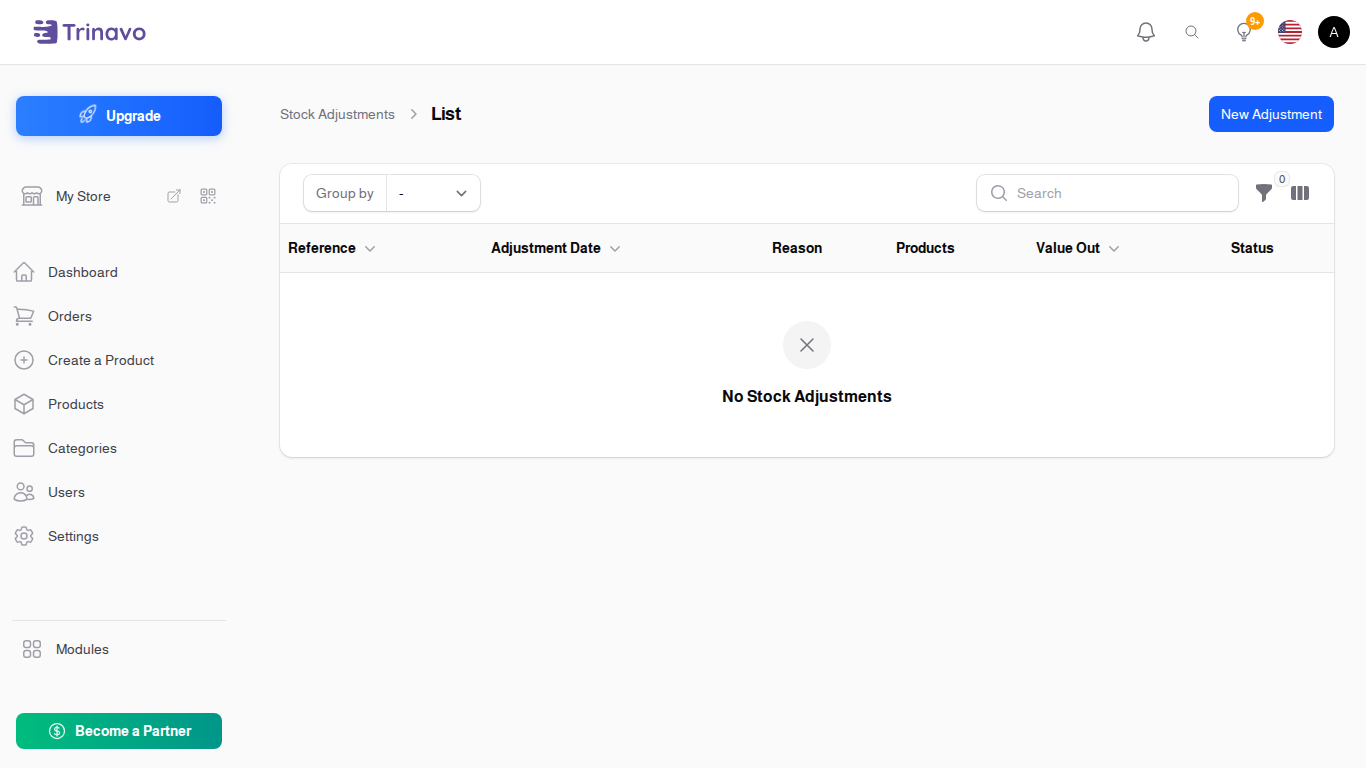
Click Modules → Inventory → Stock Adjustments
Making an Adjustment
Click New Stock Adjustment. A dialog asks for the header, then the adjustment opens as a page where you list the products.
Adjustment Details
- Reason: why the stock is changing. See Adjustment Reasons below
- Adjustment Date: when it actually happened
- Reference: your own number, if you use one
- Notes: anything else
Products
One line per product:
- Item and Variation: what is changing
- Direction: Stock In to add, Stock Out to remove
- Quantity: how many
- Line Note: why this particular line, when it differs from the reason on the header
The Direction offered on a line depends on the reason you picked. A reason set to Stock Out only allows removals, which stops "Damaged" from accidentally adding stock.
Reading the list
Two columns carry the money:
- Value Out: what the removed stock was worth
- Value In: what the added stock was worth
Both are totalled at the bottom of the column, so filtering to one reason and one month tells you what breakage actually cost you in that month.
Adjustment Reasons
Reasons live under Modules → Inventory → Adjustment Reasons. Each has:
- Name: what you call it
- Direction: Stock In, Stock Out, or Both Directions
- Sort Order: where it appears in the list
- Active: switch off a reason you no longer use, without losing the adjustments that used it
The list shows how many Adjustments used each reason, which is the quickest way to see whether a reason is worth keeping.
Setting a direction is worth the small effort. A reason locked to one direction cannot be used the wrong way round, and the reports that group by reason stay meaningful.
Related Sections
- Inventory Management - current stock levels
- Stock Counts - counting the shelf, which produces an adjustment
- Stock History - every stock movement, including these
- Goods Receipts - stock arriving from a supplier, which is not an adjustment