Supplier Aging Report
Purpose
The Supplier Aging report answers "who am I behind with, and by how much?"
It takes every unpaid supplier invoice, works out how long each has been outstanding, and groups them by age. That is the difference between knowing you owe money and knowing which supplier is about to stop delivering.
This is part of Purchasing, so it needs that feature on your plan.
Accessing the Supplier Aging Report
Click Modules → Reports → Supplier Aging Report
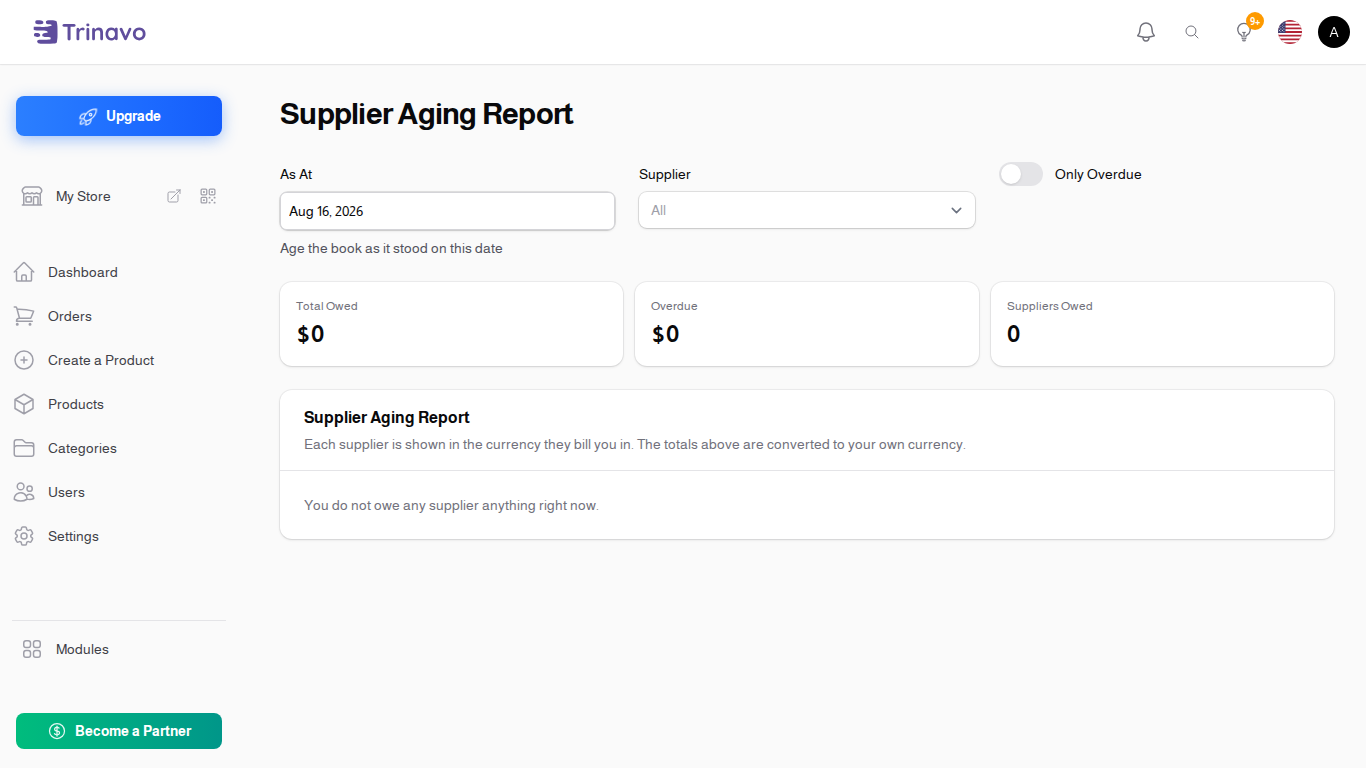
Controls
- As At: the date to age the debts against. Defaults to today. Set it to the end of last month to see what you owed then
- Supplier: narrow to one supplier
- Only Overdue: hide anything not yet due, leaving just what is genuinely late
The age buckets
Each unpaid amount falls into one bucket, based on its Due Date and the As At date:
| Bucket | Meaning |
|---|---|
| Not Due Yet | owed, but the due date has not arrived |
| 1-30 Days | up to a month late |
| 31-60 Days | one to two months late |
| 61-90 Days | two to three months late |
| Over 90 Days | more than three months late |
| No Due Date | the invoice has no due date, so it cannot be aged |
No Due Date is worth watching. It is not a bucket of late invoices, it is a bucket of invoices you cannot judge. Set Payment Terms (Days) on the supplier so new invoices get a due date automatically, and fill in the due date on the ones already there.
Related Sections
- Suppliers - where payment terms are set
- Supplier Invoices - the debts being aged here
- Supplier Payments - applying a payment is what clears a bucket