Data Enrichment
Purpose
Data Enrichment fills in product information for you. Instead of typing a description, specifications and images for every product, you point the store at a source and it fetches what it can.
It costs AI credits, so this group also holds the balance and the record of what has been spent.
Enricher Sources
Click Modules → Data Enrichment → Enricher Sources
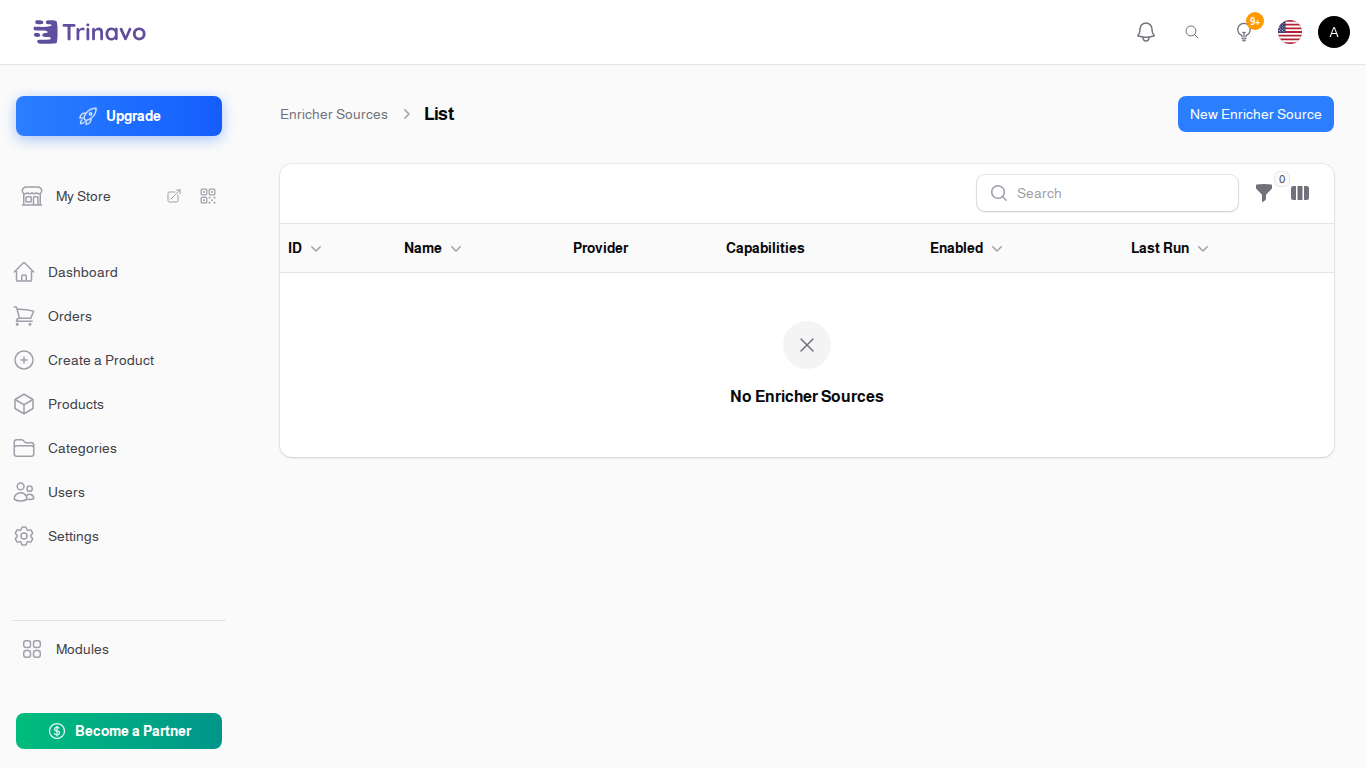
A source is a place to fetch product information from. Each has:
- Provider: which service or site it reads from
- Name: what you call this source
- Enabled: switch it off without deleting it
The list also shows the source's Capabilities, which is what that provider can actually give you, and Last Run, so you can see whether a source is still being used.
The form opens in a dialog over the list.
Running a source
A source can be pointed at either:
- Single Product URL: one product page
- Category URL (Bulk): a category page, to pull in many at once
The bulk option is the one that spends credits quickly. Try a single product first and check you are happy with what comes back before running a whole category.
AI Credits
Click Modules → Data Enrichment → AI Credits
Your remaining balance. Enrichment stops when it runs out.
AI Credits Transactions
Click Modules → Data Enrichment → AI Credits Transactions
The ledger: what was spent, when, and on what. This is where to look when the balance dropped faster than you expected, which is almost always a bulk run over a larger category than intended.
This screen is hidden on free stores.
Related Sections
- Products - where enriched information lands
- Categories - what a bulk run works through
- Plugins - other integrations