Inbound Payment Requests
Purpose
When a customer pays through a payment gateway, the gateway calls your store back to say what happened. This screen is the log of those calls.
You will not need it on a normal day. It exists for one situation: a customer insists they paid, the money has left their account, and the order still says unpaid. This tells you whether the gateway ever told your store about it, and if it did, what your store did with the message.
It is read-only.
Accessing Inbound Payment Requests
Click Modules → Orders & Sales → Inbound Payment Requests
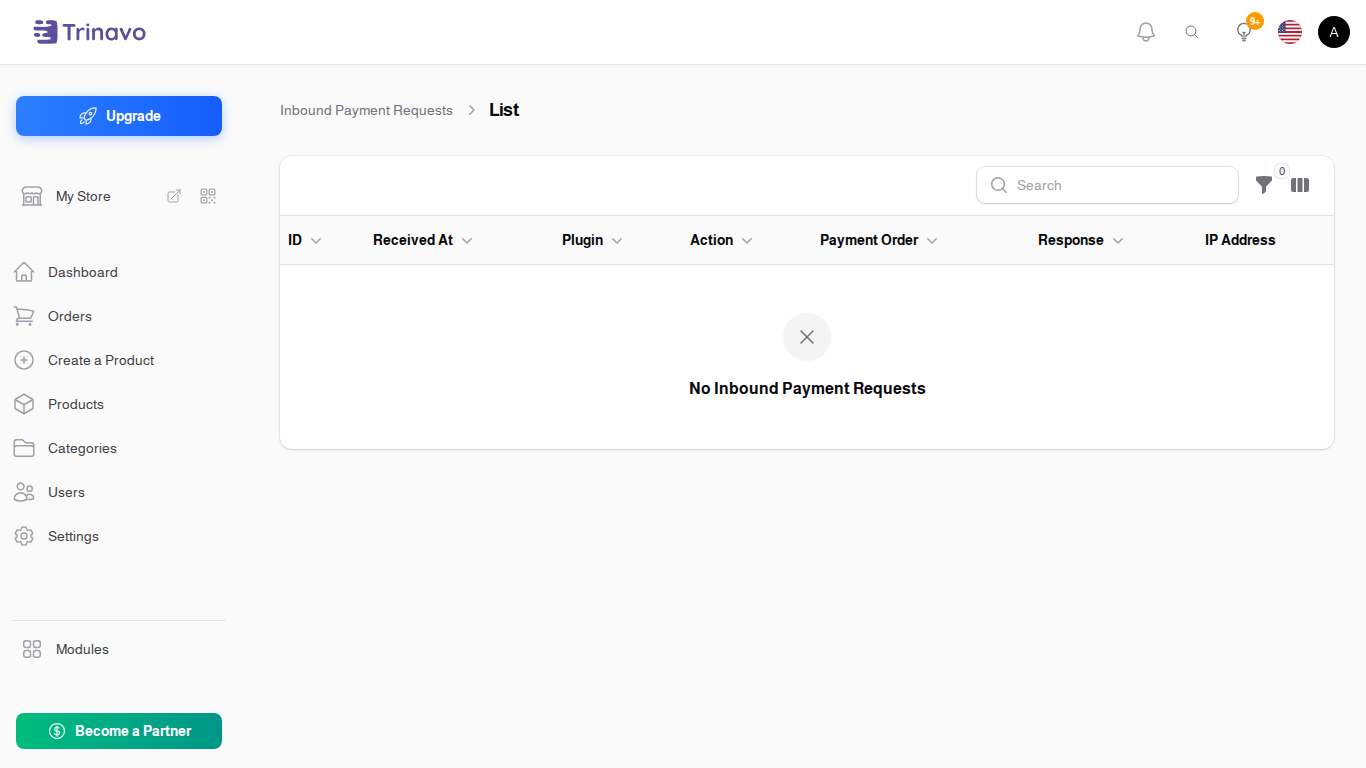
Reading the list
| Column | What it means |
|---|---|
| ID | the entry's number |
| Received At | when the gateway called |
| Plugin | which payment gateway |
| Action | what the call was for |
| Payment Order | the payment it relates to |
| Response | what your store answered |
| IP Address | where the call came from |
| Exception | the error, if handling the call failed |
What the columns tell you
No entry at all means the gateway never reached your store. The problem is between the gateway and you: usually a callback URL configured wrongly at the gateway, or the store being unreachable at that moment.
An entry with an Exception means the gateway did reach you and your store failed to process the message. That is the case to send on for support, because the exception names the cause.
An entry with a healthy Response and no exception means the message arrived and was handled. If the order still looks unpaid after that, the answer is in the order and its payments, not here.
Filtering
Filter by Plugin to narrow to one gateway, and by Action to narrow to one kind of call.
Related Sections
- Gateway Payment Orders - the payment attempts these calls refer to
- Payments - what was ultimately recorded against the order
- Payment Methods - configuring the gateways