Partner Program
Earn a commission when store owners you send to Trinavo subscribe to a paid plan. You get your own link, share it, and follow your referrals and earnings on this screen.
This is not Customer Referrals, where your customers bring their friends to your store.
Where to find it
Open Modules → My Account → Partner Program, or click the green Become a Partner button at the bottom of the side menu.
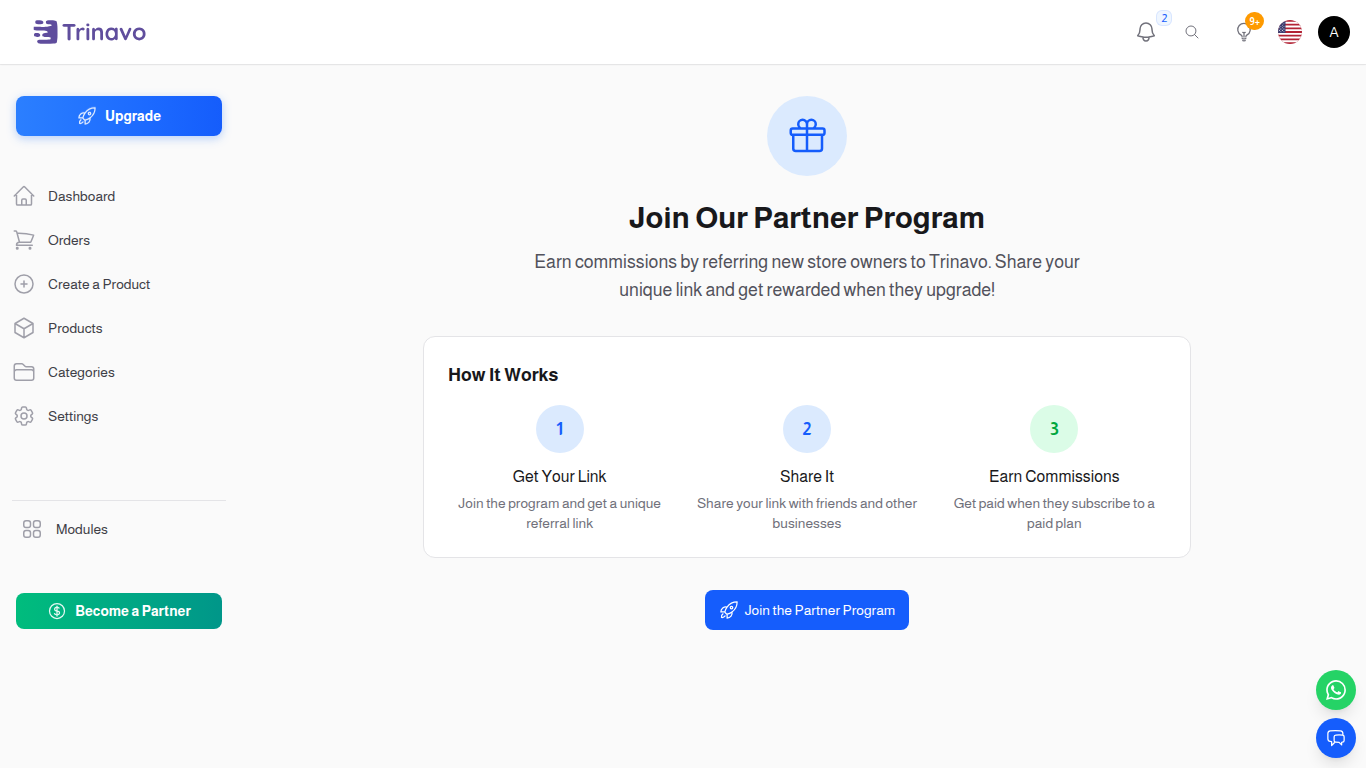
Only the store owner sees this screen. It is not offered on a store that a reseller set up for you.
Join the program
- Click Join the Partner Program.
- You see Welcome to the Partner Program!, and the screen now shows your referral link and your figures.
Share your link
Under Your Referral Link:
- Copy Link copies it, to paste wherever you like.
- Share via WhatsApp opens WhatsApp with the link in a message.
- Share via Email opens a new email with the link in it.
A store owner who signs up through your link counts as your referral.
Follow your referrals and earnings
| Figure | What it shows |
|---|---|
| Total Referrals | Everyone who signed up through your link, with how many of them are active. |
| Total Earned | All the commission you have earned so far. |
| Pending | Commission not approved yet. |
| Approved | Commission approved for payment. |
| Commission Rate | Your share of what your referrals pay. |
| Duration | How many months you earn on each store you refer. |
| Referral Code | The code inside your link. |
View Full Referral Dashboard opens your partner dashboard on trinavo.com in a new tab, with the full detail.
Hide the Become a Partner button
Turn off Show Become a Partner Banner in General Settings, under Support & Help. The screen stays in Modules → My Account.